Why Your Download Shows 12 MB/s When Your Internet Plan Is 100 Mbps — Bandwidth vs Speed Explained (Windows 11)

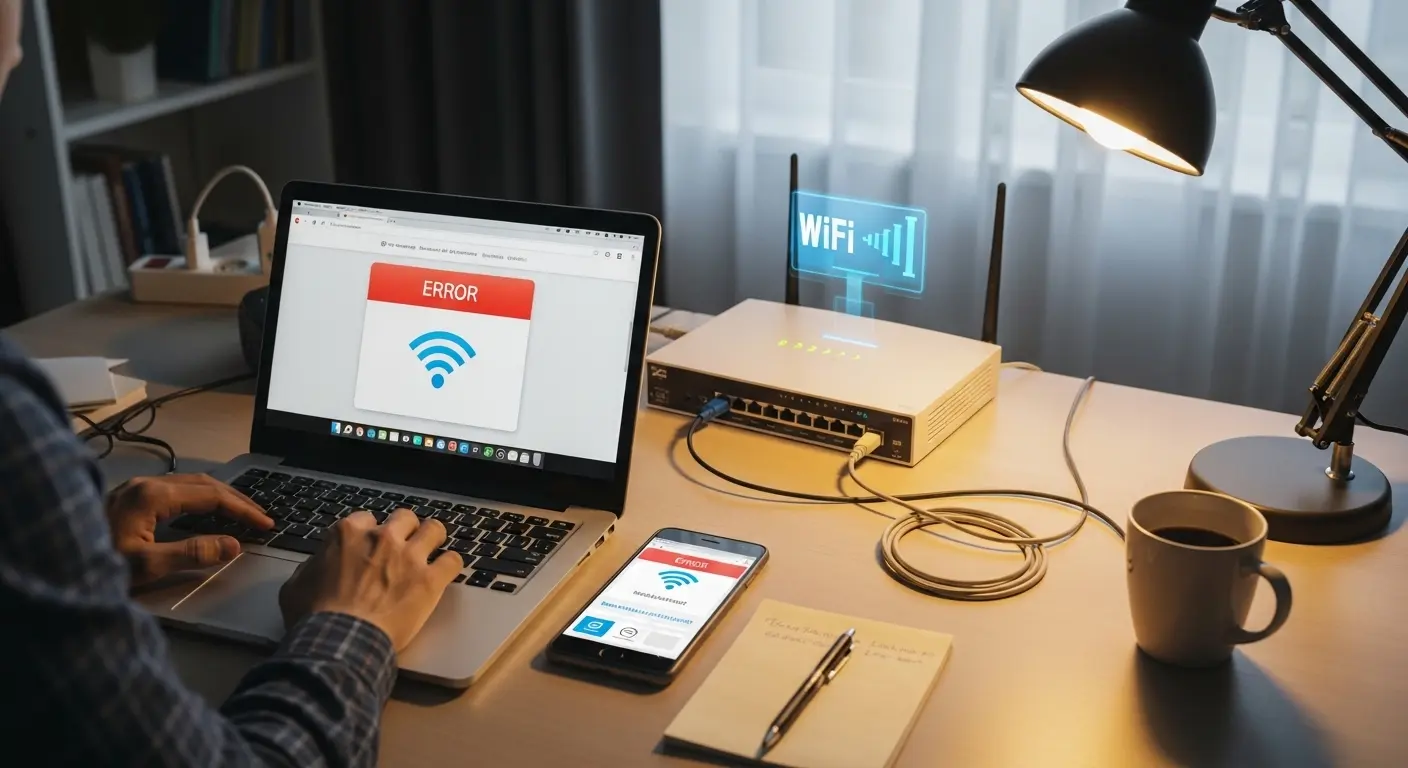
Person analyzing a game download speed on a laptop while comparing it with a 100 Mbps internet plan.

You open Steam, start downloading a game, and the speed sits at 12 MB/s. You check your internet plan — it says 100 Mbps. You open Chrome, download a file — it shows 11.5 MB/s. Something feels off. You are paying for 100, but nothing on your screen ever shows that number. So you restart … Read more
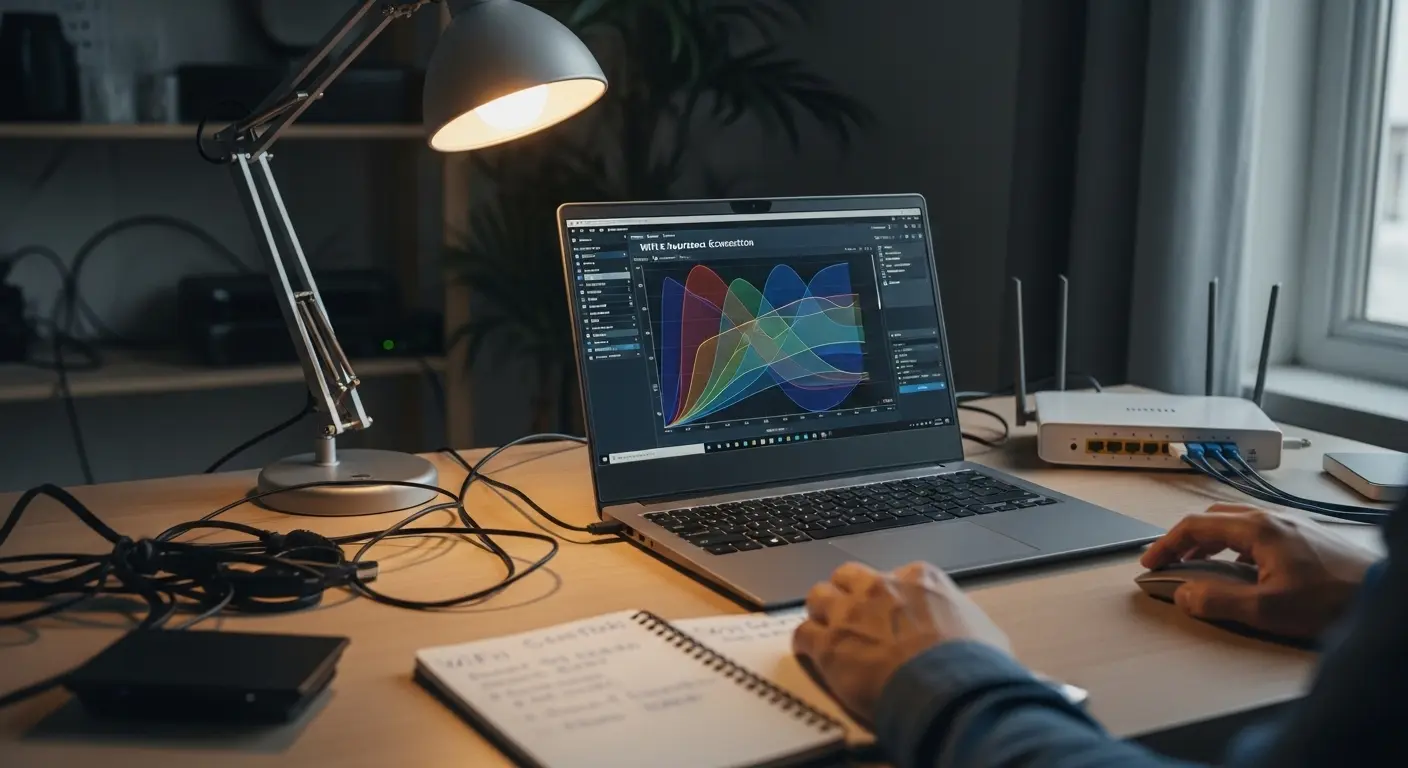
How to Find the Best WiFi Channel Using a WiFi Analyzer on Windows 11 (Free Tools)

Person analyzing WiFi channel congestion on a Windows 11 laptop using a WiFi analyzer tool beside a home router.

Your router is working. Your internet plan is fast. Your speed test results look perfectly fine. Yet somehow, WiFi still feels sluggish — pages hang, video calls stutter, and streaming buffers at the worst possible moments. If this sounds familiar, the issue might not be your internet connection at all. It might be the WiFi … Read more

How to Use Wireshark to Find Packet Loss and DNS Problems on Your Home Network (Windows)

User reconnecting an Ethernet cable while analyzing network traffic on a laptop during home internet troubleshooting.

When your internet stutters during a video call, drops packets in an online game, or loads web pages inconsistently, most guides tell you to run a ping test or a traceroute. Those tools confirm that something is wrong — but they rarely show you exactly what is failing or where the breakdown happens inside your … Read more

Why Restarting Your Modem Fixes What Rebooting Your Router Cannot

User unplugging a modem power cable while troubleshooting internet problems on a home desk network setup.

When the internet goes down, most people walk over to the blinking box near their desk and restart it. The problem is that many homes have two separate devices — a modem and a router — and restarting the wrong one wastes time without solving anything. If the connection between your modem and your ISP … Read more

How to Use WinMTR to Catch Random Internet Drops and Prove It Is Your ISP — Windows 11 Guide

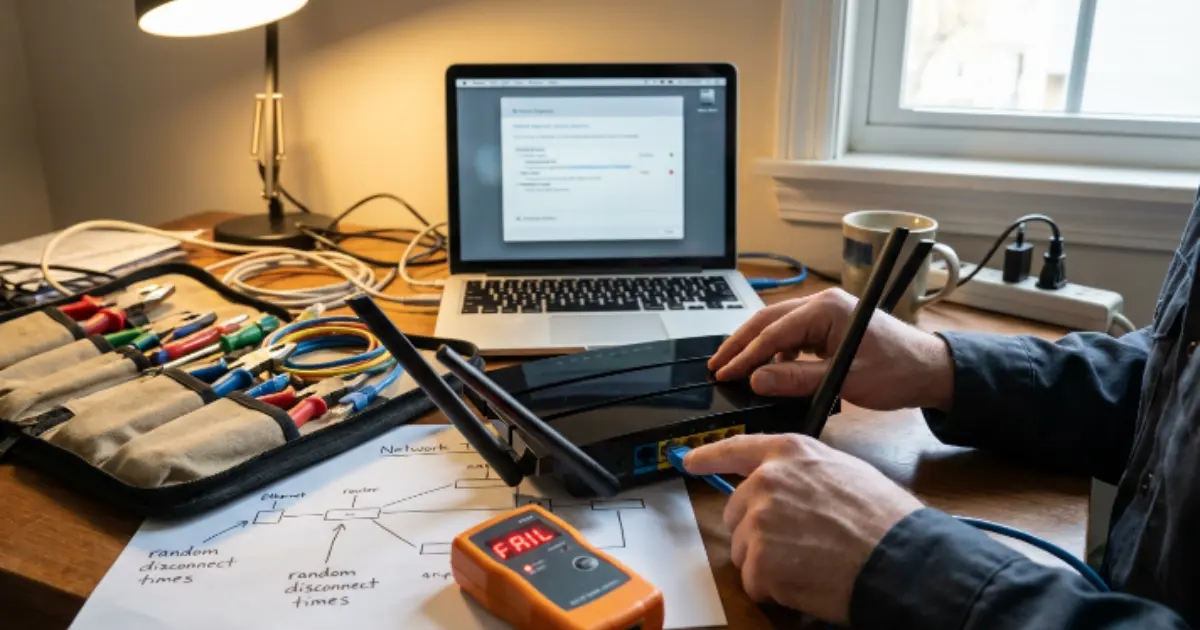
Hands reconnecting an Ethernet cable to a home router while diagnosing random internet disconnections on a Windows laptop.

Your internet drops for ten seconds, maybe thirty, then comes back on its own. By the time you open Command Prompt and run a test, everything looks perfectly normal. The connection is stable, the ping replies are clean, and there is zero evidence that anything went wrong. This cycle repeats for days or weeks — … Read more

Built-In Network Diagnostic Tools in Windows 11 — No Download Needed

User troubleshooting a home router connection using built-in Windows network diagnostic tools with Ethernet cables and a cable tester on a desk.

When your internet stops working or slows to a crawl, the instinct is to search for some tool to download. But Windows 11 already ships with a complete set of network diagnostic tools — accessible through Command Prompt — that can identify most connectivity issues without installing a single thing. This guide covers every major … Read more

How to Read Tracert Results in Windows — Hops, Asterisks and High Latency Explained

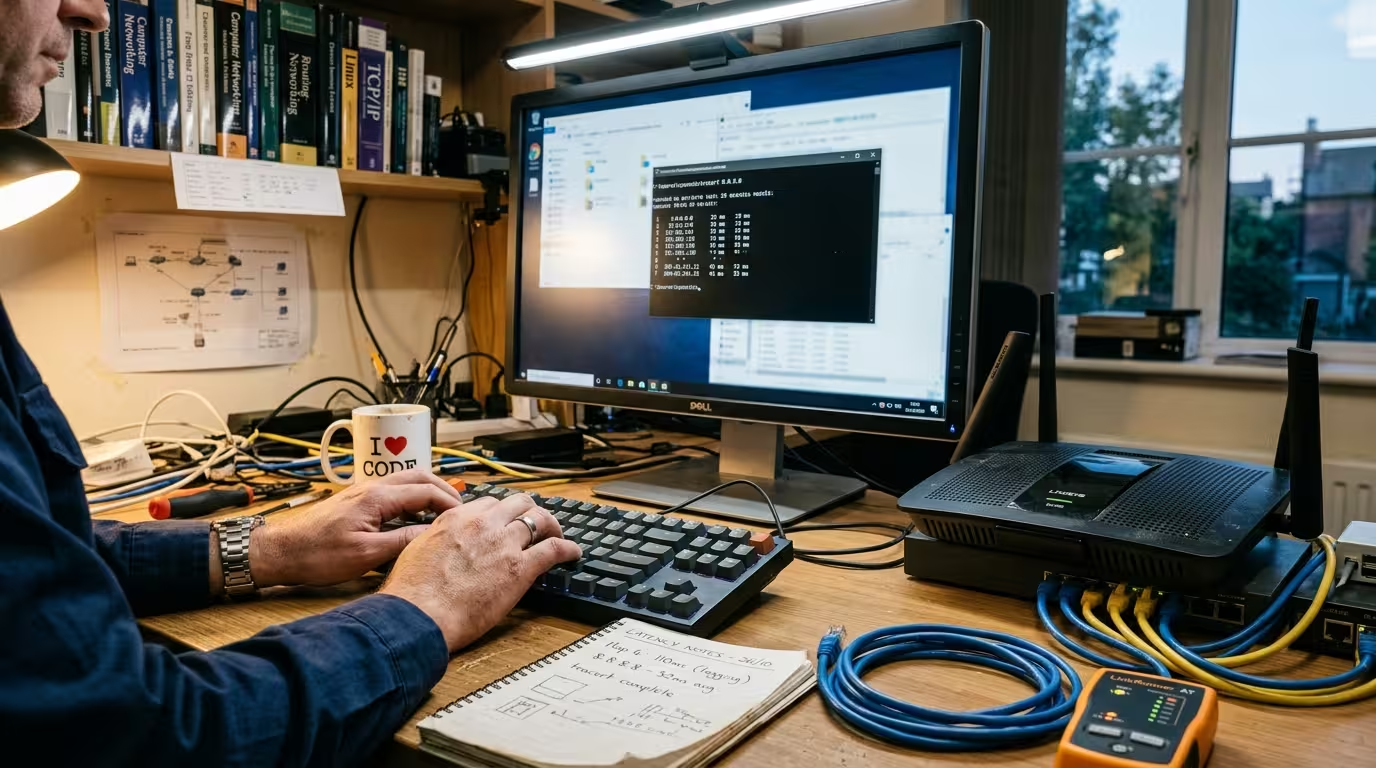
Technician running a tracert command on a Windows computer while checking a home router and ethernet cables on a troubleshooting desk.

When your internet feels slow or a website refuses to load, running tracert in Windows gives you a map of every router your data passes through on its way to the destination. The problem is that most people run the command, see a wall of numbers, asterisks, and IP addresses, and have no idea what … Read more

Why Gaming Ping Spikes When Someone Else Uses the Internet — Router QoS Fix Guide

Technician reconnecting Ethernet cables on a home router while other devices stream data on the same network

You are mid-match, everything feels smooth, and then someone in your house opens YouTube or starts a download. Instantly, your ping jumps from 25ms to 200ms, rubber banding kicks in, and you lose the fight. This is not a coincidence and it is not random. Your gaming ping spikes when someone else uses the internet … Read more

Why a Website Works on Mobile Data but Not Home WiFi — DNS Fix for Windows 11

Person at home desk with laptop showing browser error while phone beside it loads the same website on mobile data

You open a website on your laptop connected to your home WiFi, and the page refuses to load. The browser spins, times out, or throws an error. You try refreshing — same result. Then you disconnect from WiFi, turn on your phone’s mobile hotspot, connect the same laptop to it, and that exact website loads … Read more

Why WiFi Ping Is Higher Than Ethernet on the Same Router — And When to Switch to Fix It (Windows 11)

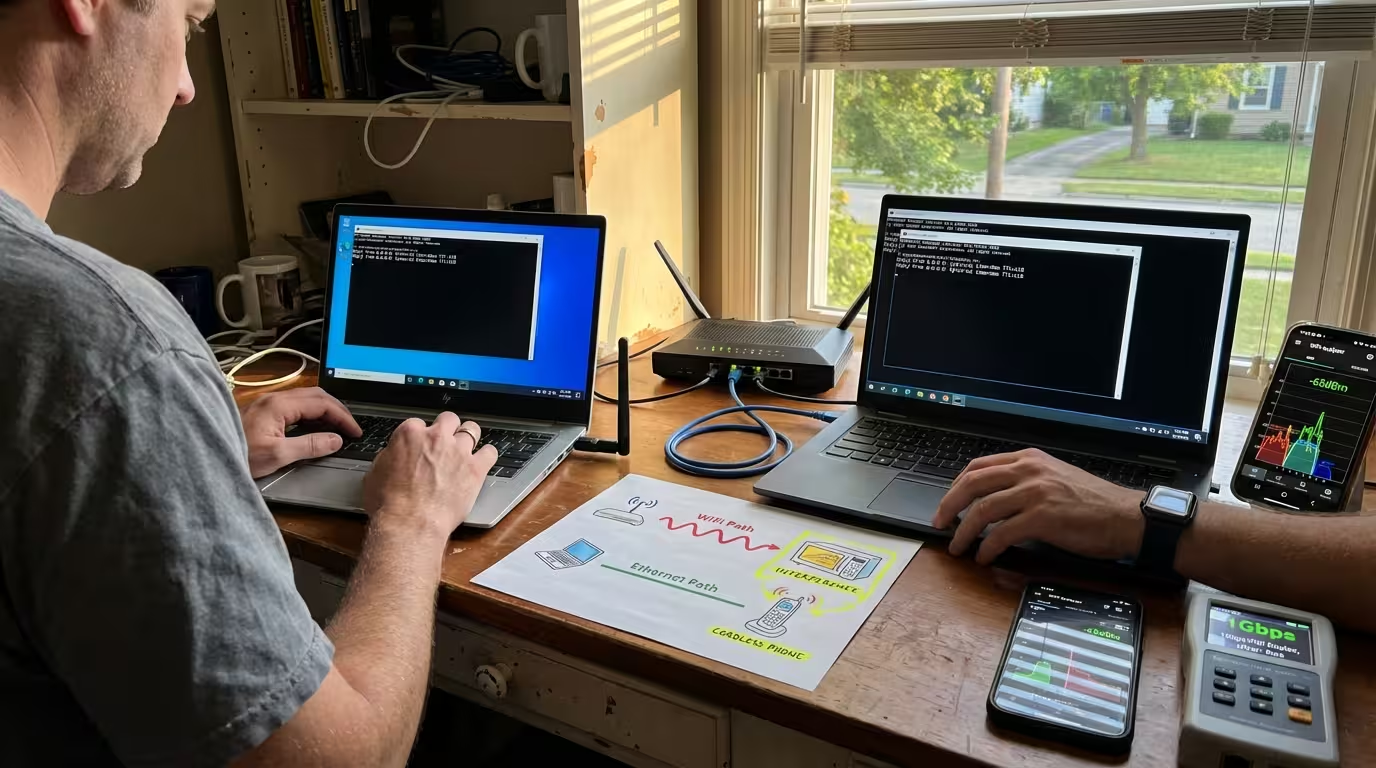
Technician operating two laptops side-by-side showing WiFi ping test (24ms) versus Ethernet ping test (5ms) on home office desk, with network diagram and signal strength monitoring visible.

You run a speed test on WiFi — 300 Mbps down, 50 Mbps up. You plug in an Ethernet cable to the same router, run the same test — 320 Mbps down, 50 Mbps up. The speeds are nearly identical. But the ping on WiFi shows 18–25 ms while Ethernet consistently sits at 3–5 ms. … Read more

Ping Command for Internet Troubleshooting — All Switches and Options Explained (Windows 11)

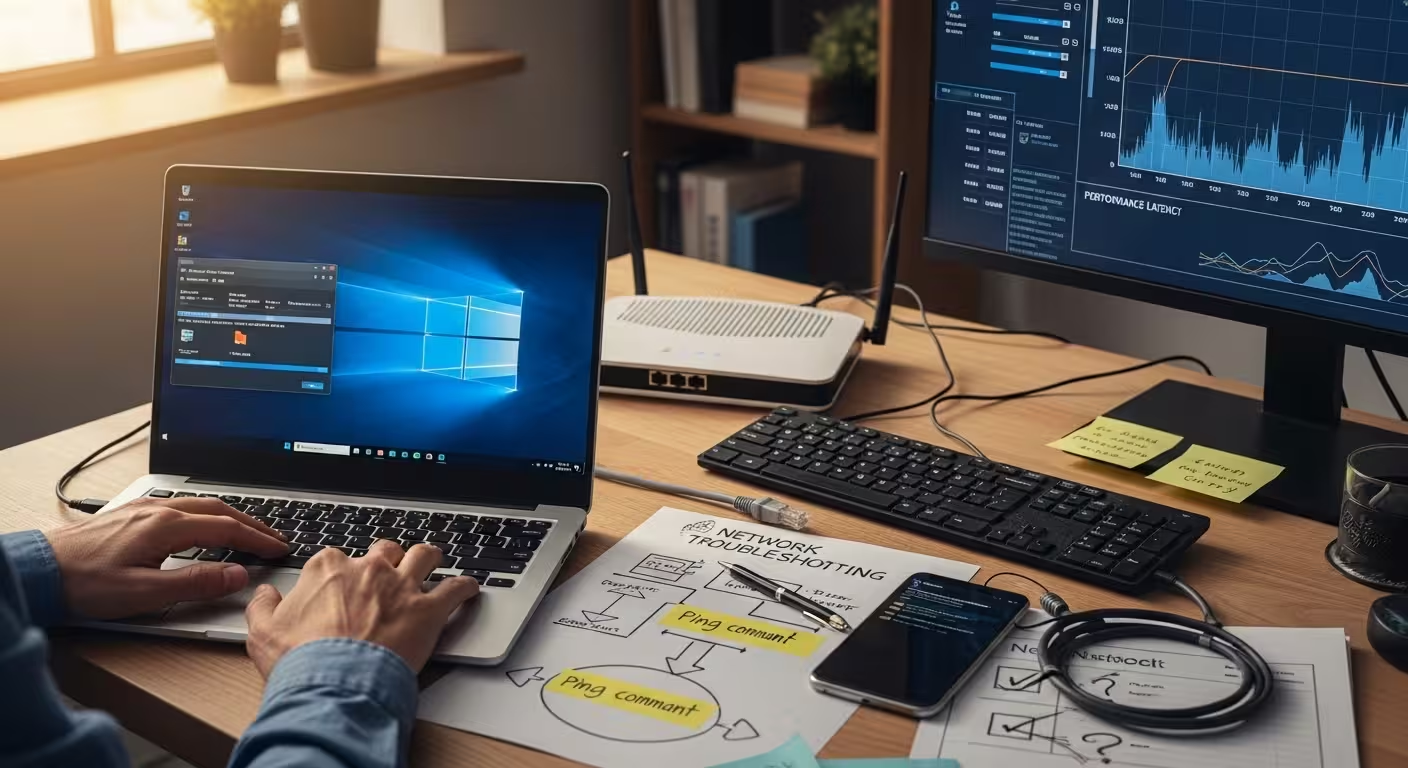
Technician at home office desk about to execute ping command on Windows 11 Command Prompt, with network troubleshooting flowchart, failed connectivity test on smartphone, and unstable router connection visible in background.

When your internet stops working — or works inconsistently — the first thing you need is a way to test where the connection is actually failing. Not a speed test. Not a browser refresh. You need a diagnostic tool that checks whether your device can even reach another device on the network. That tool is … Read more

Why Your Internet Lags During Downloads and Video Calls — Bufferbloat Explained and Fixed

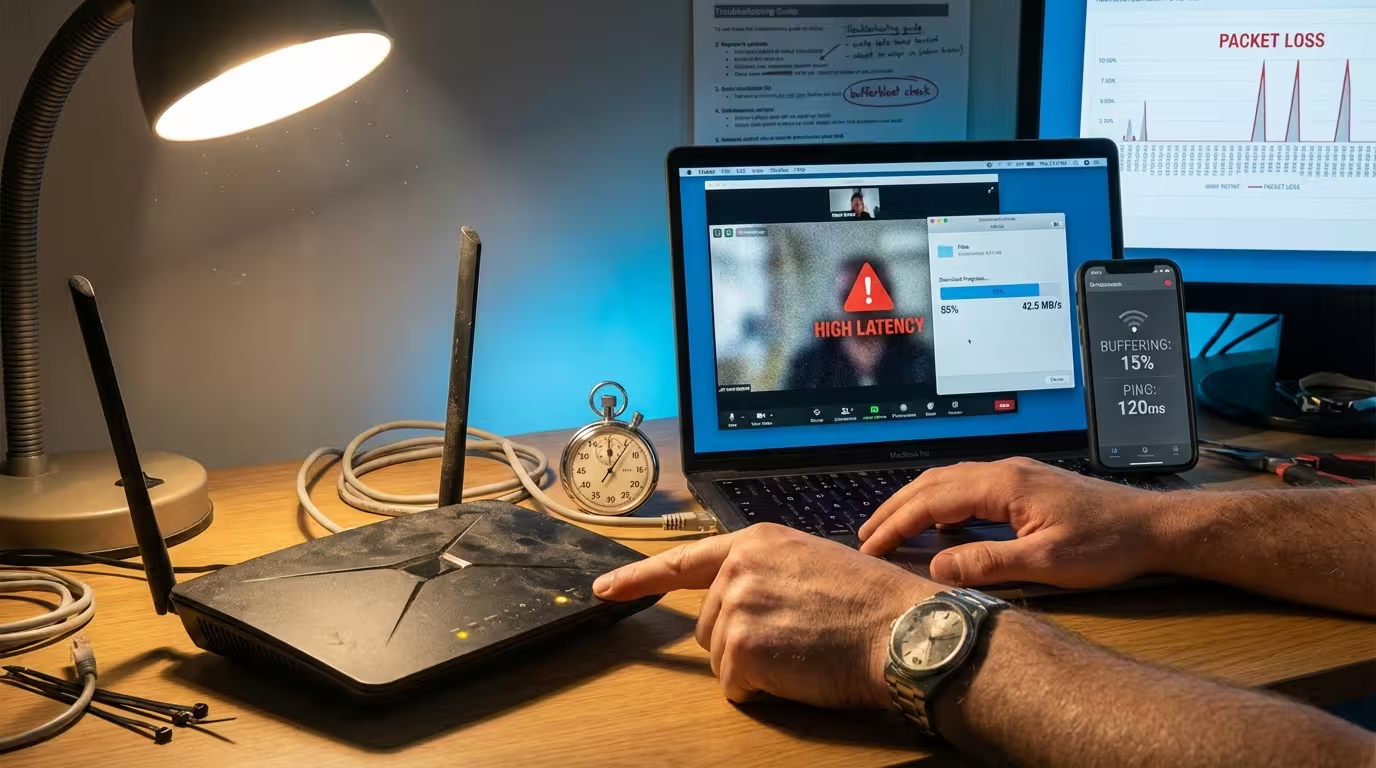
Home network technician troubleshooting bufferbloat symptoms: laptop showing video call lag while downloading at high speed, router with visible dust accumulation, latency monitoring app visible on smartphone.

You have a 200 Mbps connection. Your speed test confirms it. Yet the moment someone in your house starts downloading a game update or uploading a large file, your video call freezes, your game starts rubber-banding, and every webpage takes forever to load. The connection is not slow — the speed numbers prove it. But … Read more

Why Your ISP DNS Is Slowing Down Every Website You Visit — And How to Fix It on Windows 11

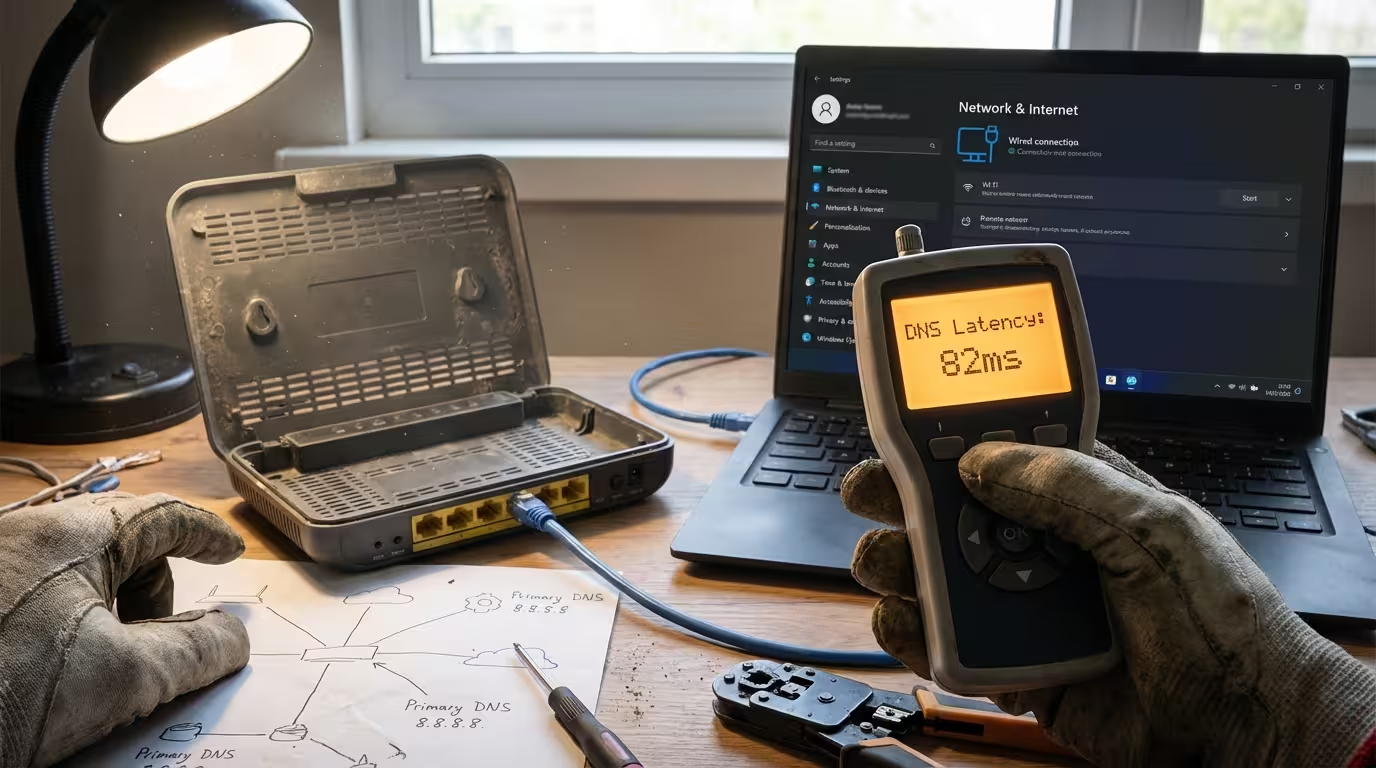
Technician's hands holding a network cable tester showing 80ms DNS latency result next to an active home router with visible ethernet connections and a Windows 11 laptop displaying network settings.

Your internet speed test says 200 Mbps. Your router is working fine. Yet every website you open takes two or three seconds before anything even starts loading. That blank white screen before the page appears is not a bandwidth problem — it is a DNS problem. Every time you type a URL or click a … Read more

Best Internet Speed Test Tools That Show Ping, Jitter and Packet Loss

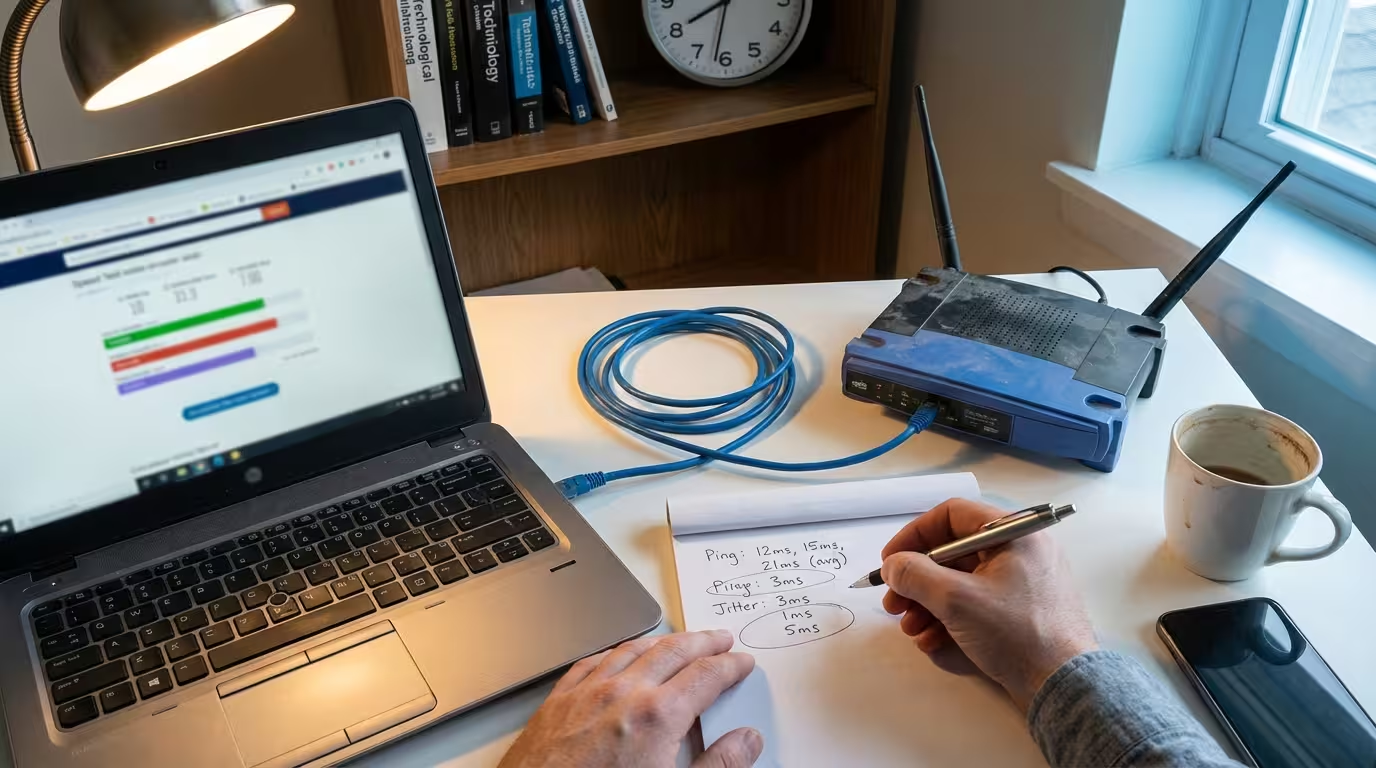
Hands beside a laptop running a speed test with handwritten ping and jitter values on a notepad next to a home WiFi router on a cluttered desk

You run a speed test. It says 200 Mbps download. And yet, your video calls stutter, your game lags, and web pages take an extra second to load. The number on the screen looks perfectly fine — but your actual experience says otherwise. This disconnect is not a mystery. It happens because most internet speed … Read more

Why Your ipconfig IP Address Is Different From Your Real Internet IP — Private vs Public IP Address Explained (Windows 11)

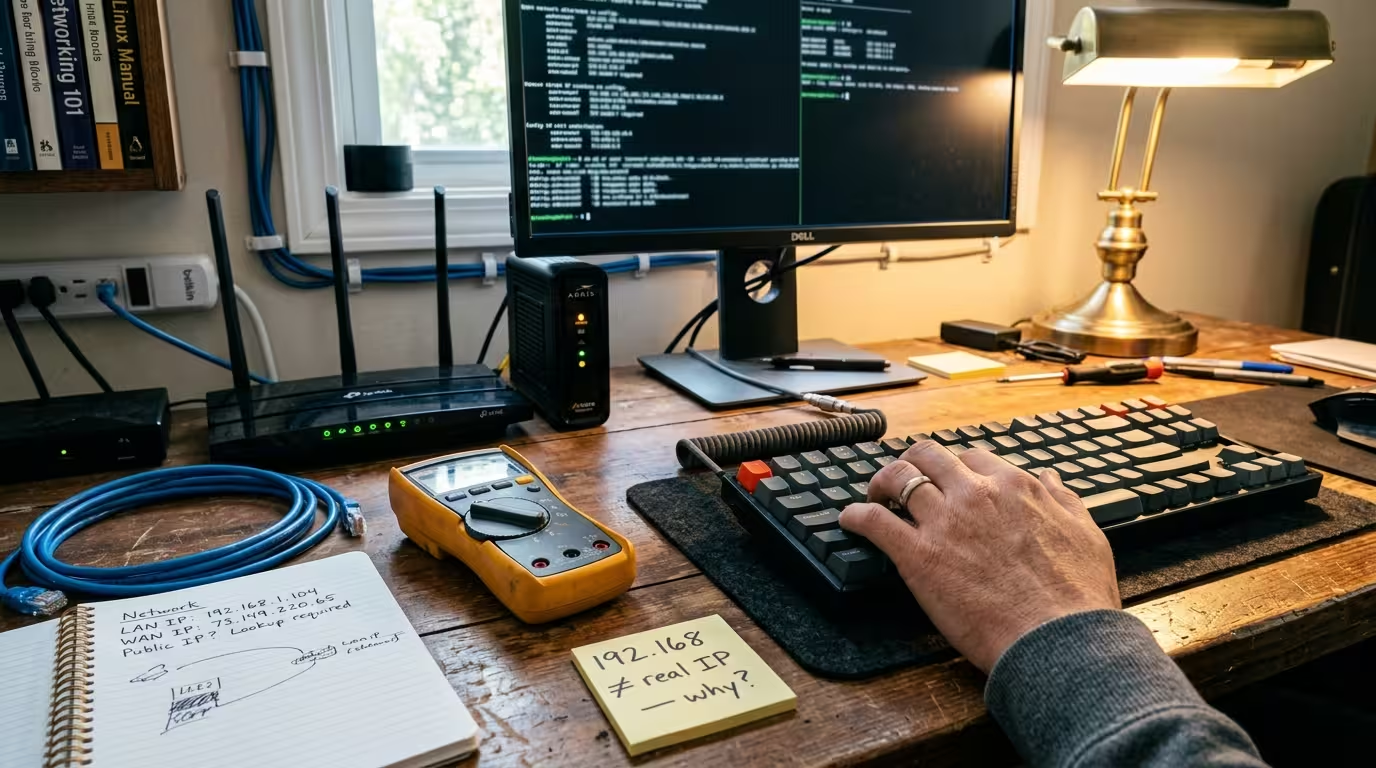
Home desk with handwritten sticky note about private vs public IP address confusion beside a home router and cable tester on a cluttered troubleshooting desk

You open Command Prompt on Windows 11, type ipconfig, and see something like 192.168.1.5. Then you visit a site like WhatIsMyIP.com{: target=”_blank” rel=”nofollow”} and it shows a completely different number — maybe 98.47.213.86. Neither is wrong. They are two different IP addresses, and your computer genuinely uses both of them at the same time. This is one of the … Read more

Internet Connectivity Explained: Complete Guide to Speed, Latency, Ping & Troubleshooting

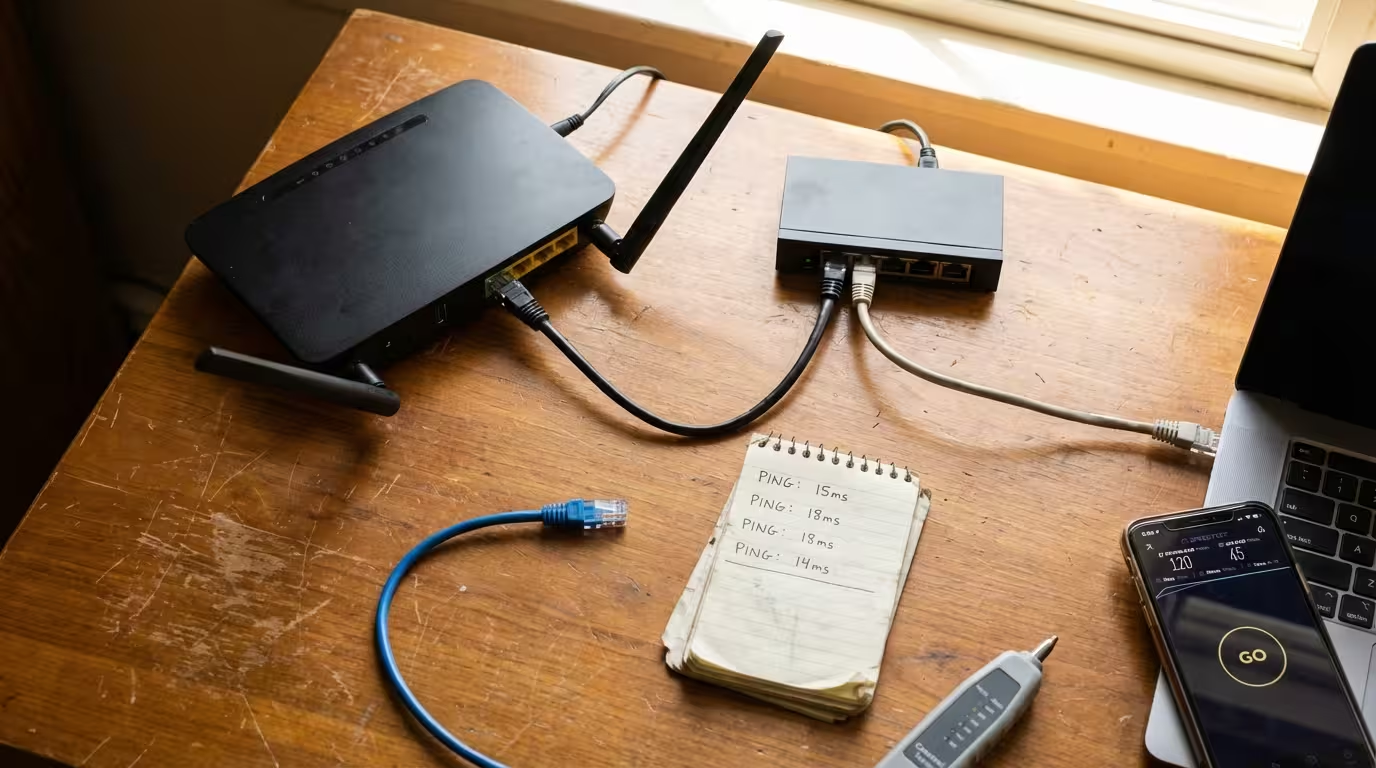
Top-down view of a home network troubleshooting desk showing a WiFi router, ethernet switch, connected laptop, and speed test results on a smartphone

Most people only think about their internet connection the moment something goes wrong — a video call freezes, a game lags, or a webpage refuses to load. But understanding how internet connectivity actually works puts you in a far stronger position to diagnose issues, optimize performance, and make informed decisions about your network setup. This … Read more