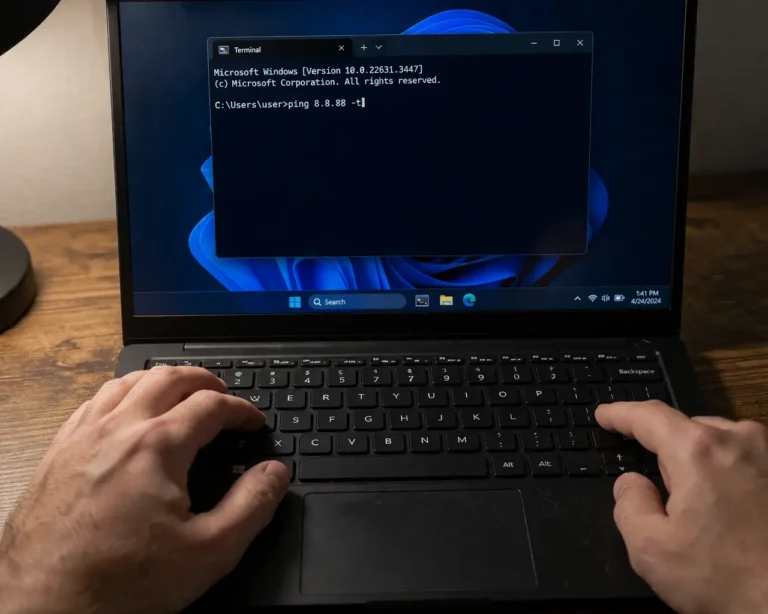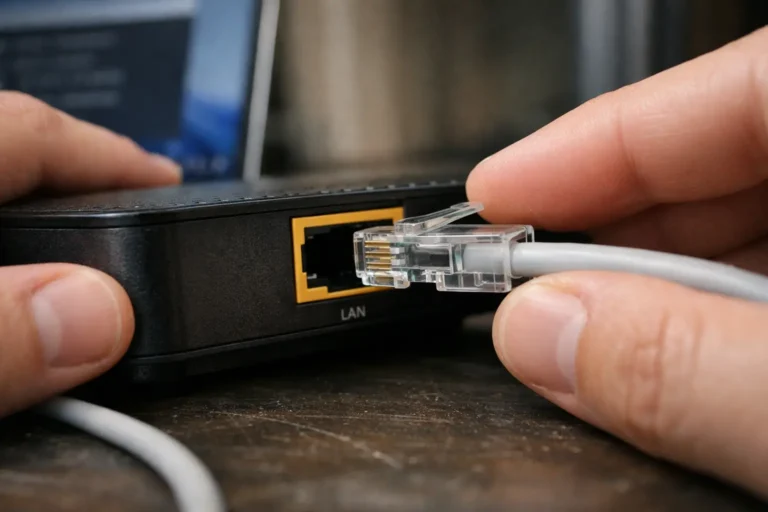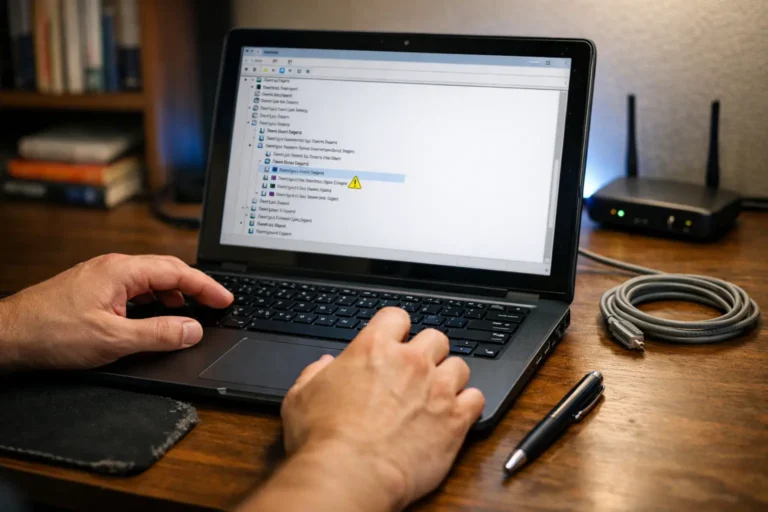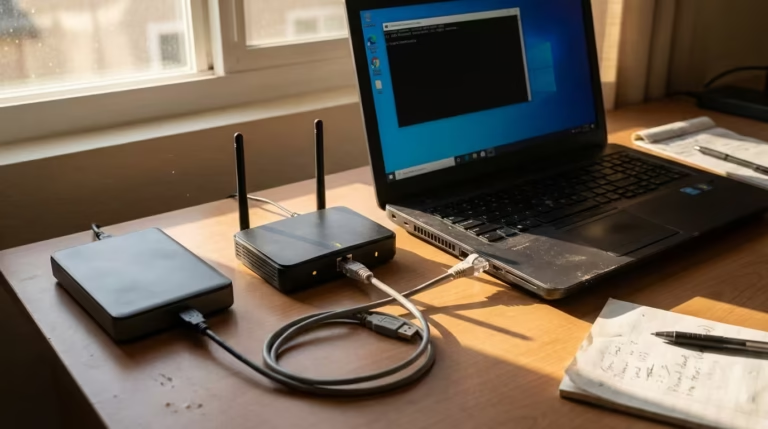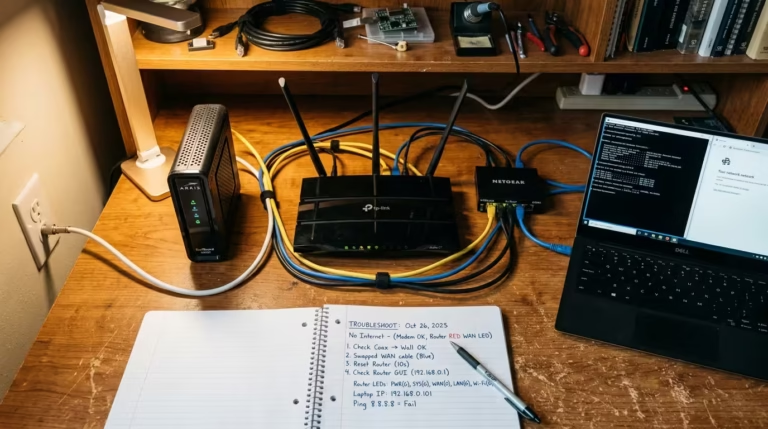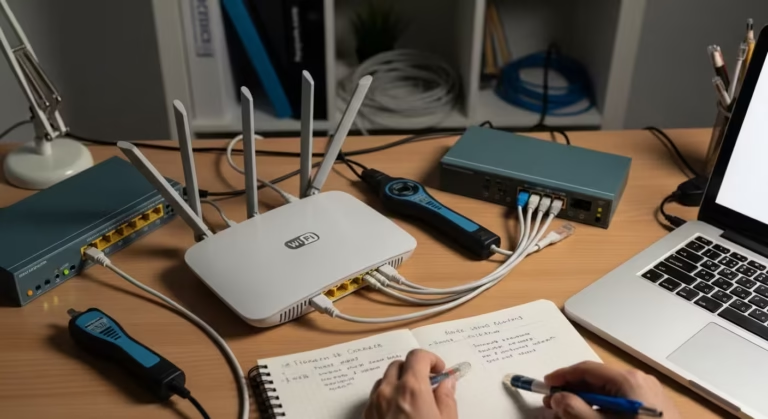
Internet Diagnostics

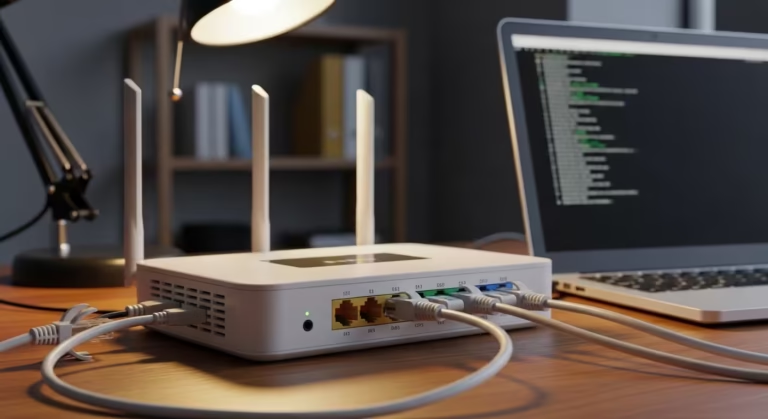
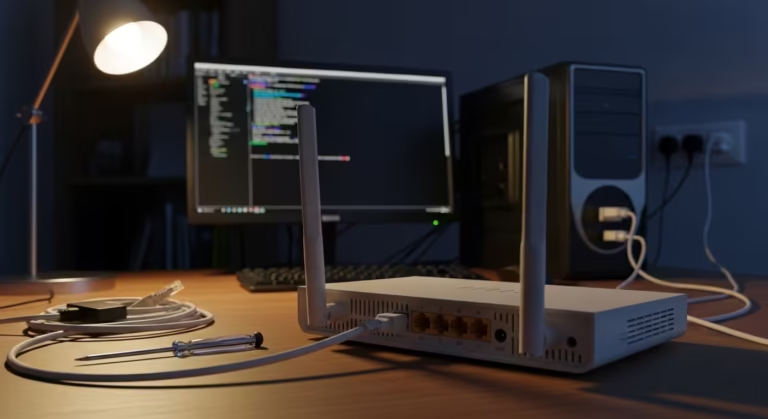
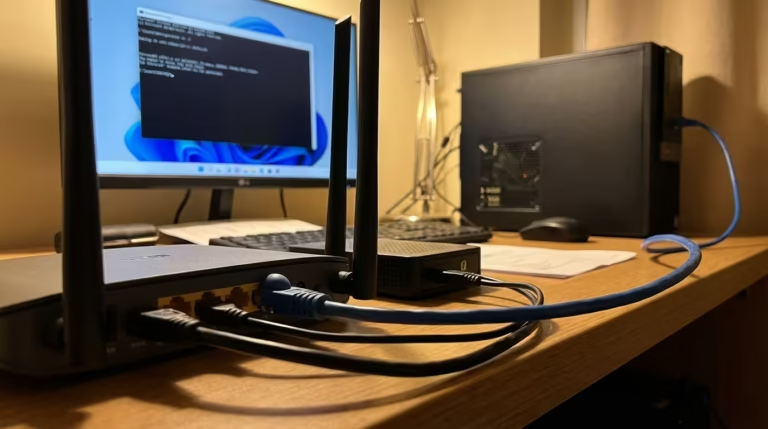
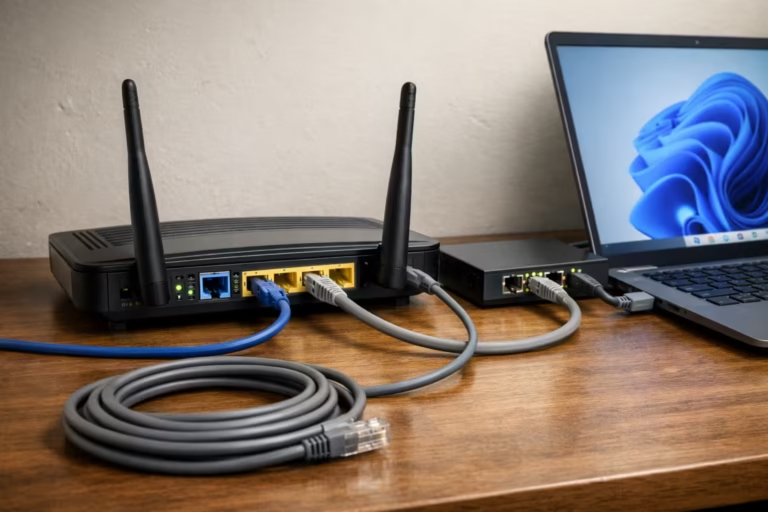
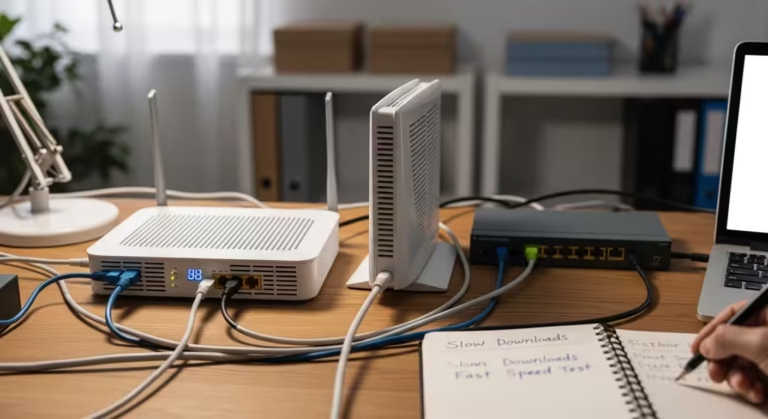
The Internet Diagnostics section is for users who want to understand real-world internet problems not just at a surface level, but logically. Here you will learn why issues such as slow internet, high latency, packet loss, unstable Wi-Fi, buffering, and random disconnections occur and how to identify their root cause.

Articles in this category follow a step-by-step diagnostic approach — first, the problem is clearly defined, then possible causes are explained, and finally, practical fixes are provided that are based on real network behavior. Here, you won’t just find generic advice like “restart your router,” but you’ll also learn about advanced factors such as WAN issues, DNS problems, congestion, interference, ISP throttling, and routing delays.

If you want to solve internet issues through logic and testing instead of guesswork, this section will help you develop a structured troubleshooting mindset.

If you are seeing errors like “Ping Request Timed Out” or ping transmit failures while your internet still works, check our detailed diagnostic fix guide for a complete step-by-step solution.