
How to Read Tracert Results in Windows — Hops, Asterisks and High Latency Explained
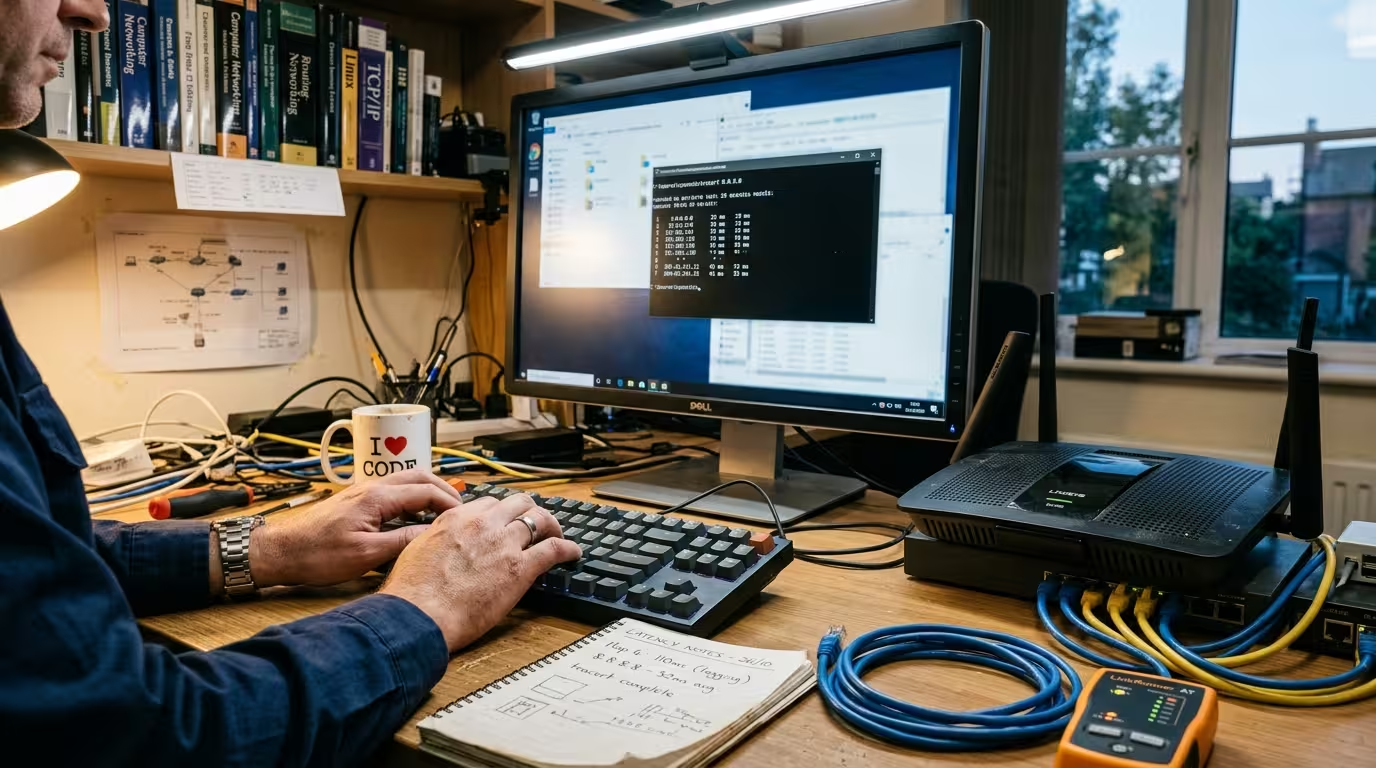
When your internet feels slow or a website refuses to load, running tracert in Windows gives you a map of every router your data passes through on its way to the destination. The problem is that most people run the command, see a wall of numbers, asterisks, and IP addresses, and have no idea what … Read more