
How to Read Tracert Results in Windows — Hops, Asterisks and High Latency Explained
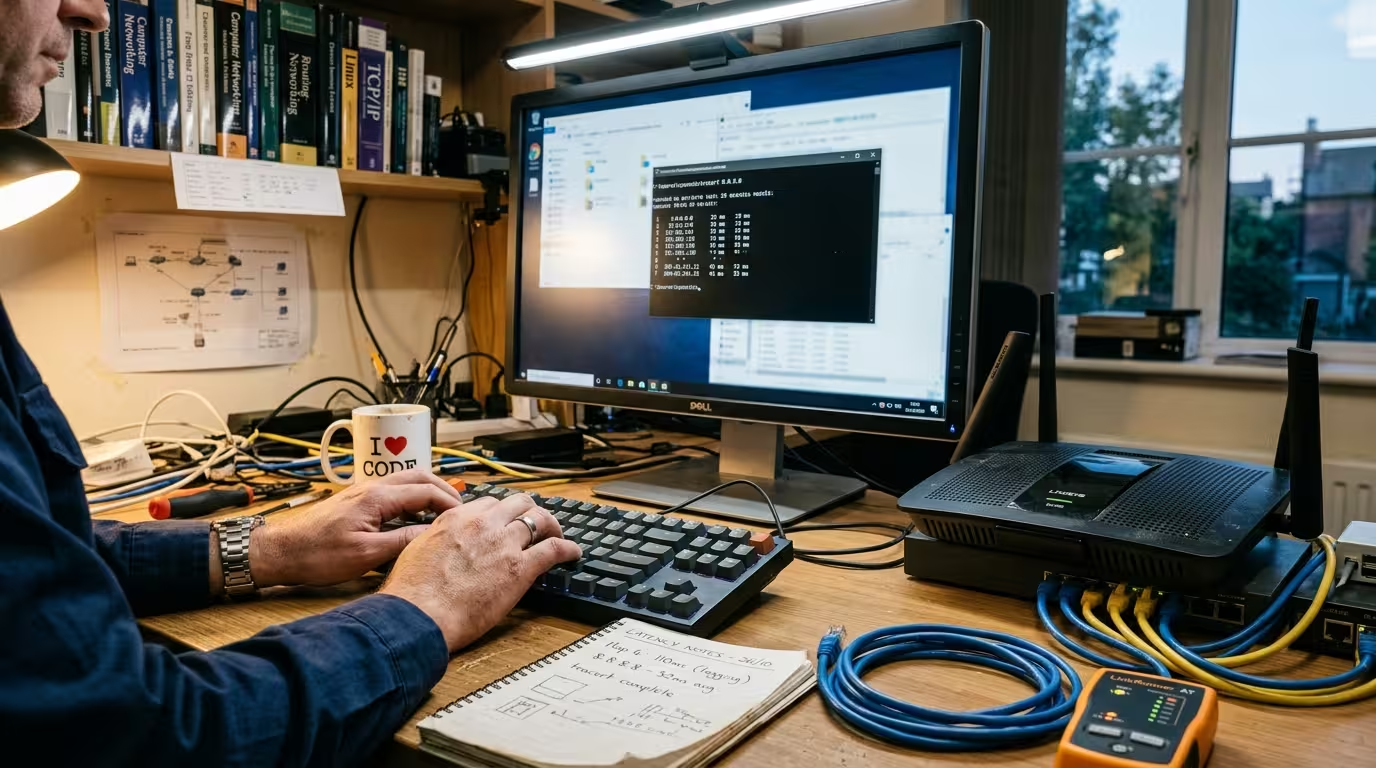
Technician running a tracert command on a Windows computer while checking a home router and ethernet cables on a troubleshooting desk.

When your internet feels slow or a website refuses to load, running tracert in Windows gives you a map of every router your data passes through on its way to the destination. The problem is that most people run the command, see a wall of numbers, asterisks, and IP addresses, and have no idea what … Read more
Ping Command for Internet Troubleshooting — All Switches and Options Explained (Windows 11)

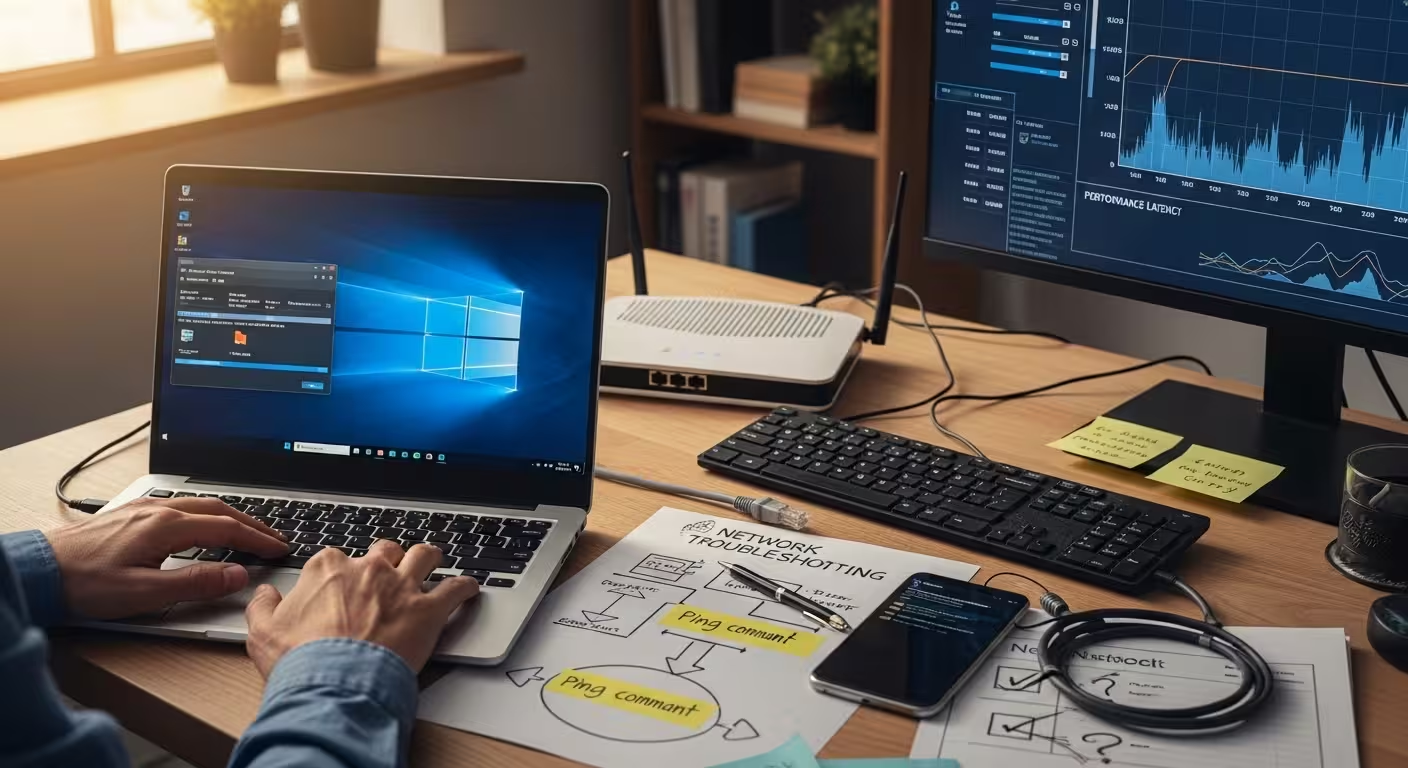
Technician at home office desk about to execute ping command on Windows 11 Command Prompt, with network troubleshooting flowchart, failed connectivity test on smartphone, and unstable router connection visible in background.

When your internet stops working — or works inconsistently — the first thing you need is a way to test where the connection is actually failing. Not a speed test. Not a browser refresh. You need a diagnostic tool that checks whether your device can even reach another device on the network. That tool is … Read more