How to Fix High Latency on Windows 11 – Reduce Ping Spikes & Lag
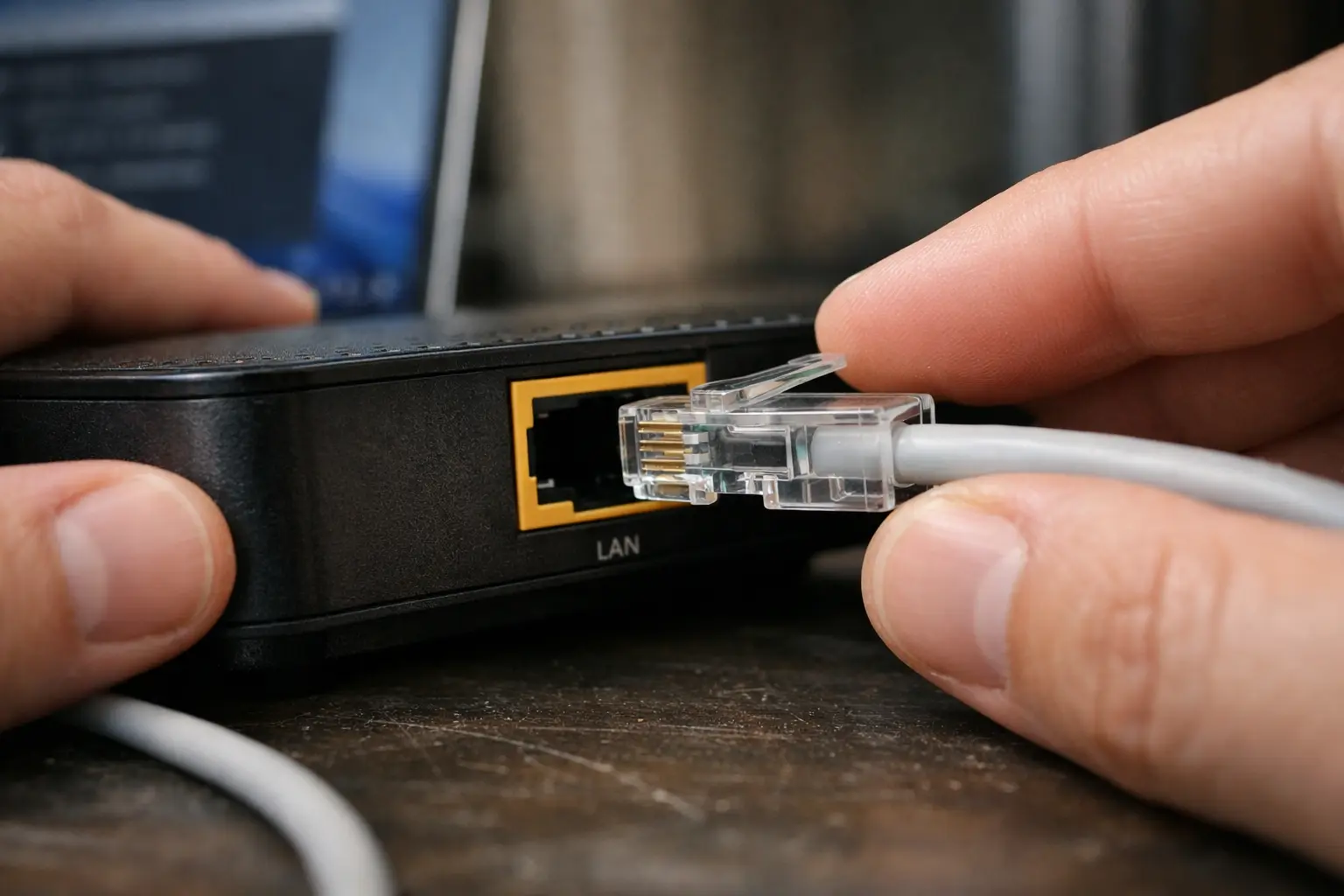
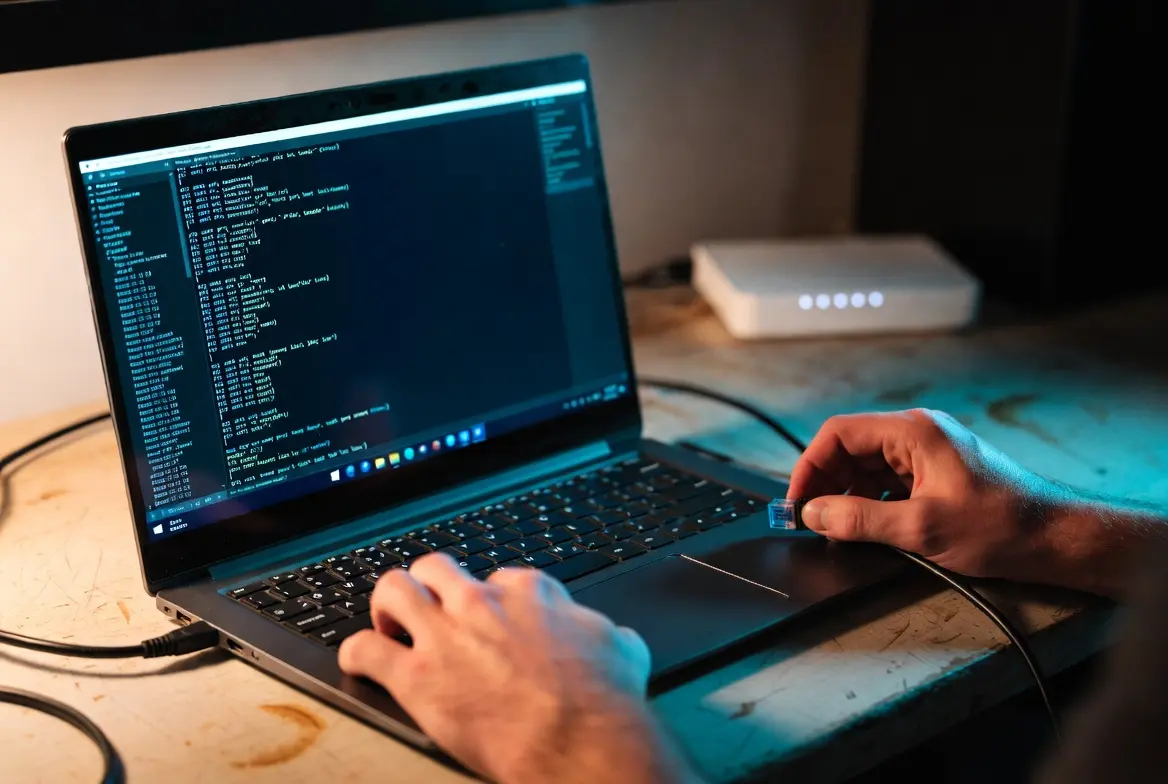
A person connects an Ethernet cable to a router to fix high latency windows 11 by switching to a wired connection.

If you’re trying to figure out how to fix high latency on Windows 11, you’re likely dealing with sluggish online games, delayed keystrokes in remote sessions, or video calls that freeze mid-sentence. The frustrating part is that your internet speed test might look perfectly fine — yet everything still feels slow. That disconnect between speed … Read more
How to Fix High Jitter on Windows 11 – Reduce Ping Spikes & Lag (Latest Guide)

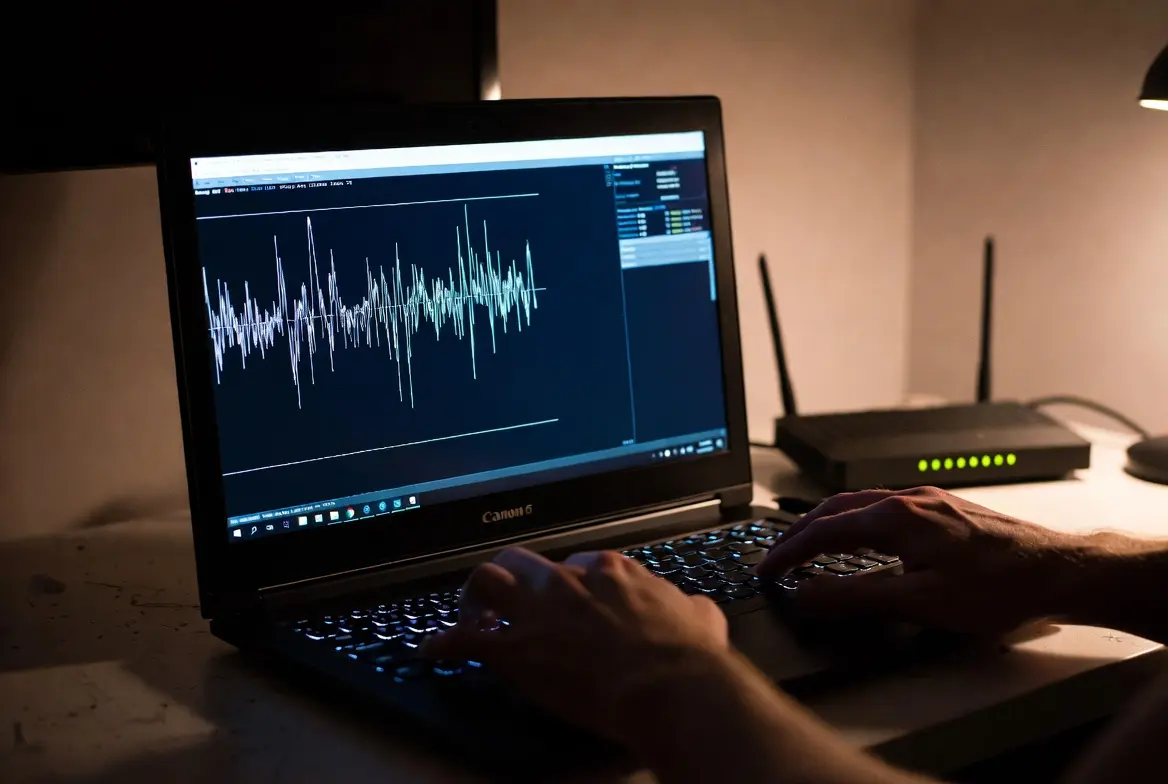
A technician monitors a Windows 11 laptop running a ping test to detect and fix high jitter windows 11 in a home setup.

If you are trying to figure out how to fix high jitter on Windows 11, you have likely already noticed the symptoms — inconsistent ping times during gaming, choppy voice in video calls, or random lag spikes that disappear and return without any obvious reason. The frustrating part is that your speed test might look … Read more

How to Fix Packet Loss on Windows 11 in 2026 – Complete Step-by-Step Guide

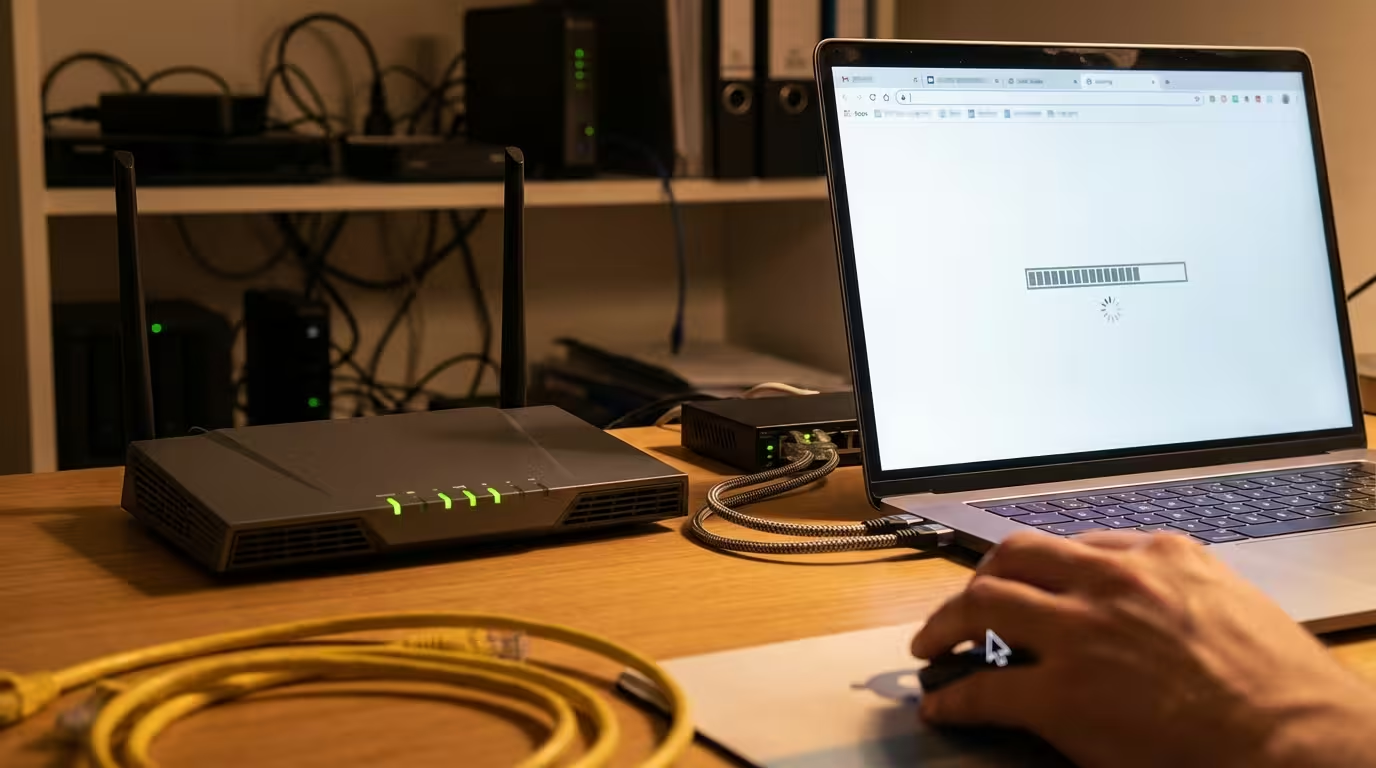
A technician runs a ping test on a Windows 11 laptop to show how to fix packet loss windows 11 at home.

Dropped frames in games, choppy video calls, and laggy downloads — all of these point to one root cause: packet loss. If you’re trying to figure out how to fix packet loss on Windows 11, you’re dealing with one of the most frustrating network problems that doesn’t show up on a basic speed test. Your … Read more

WiFi Keeps Disconnecting on Windows 11 — Find the Cause and Fix It

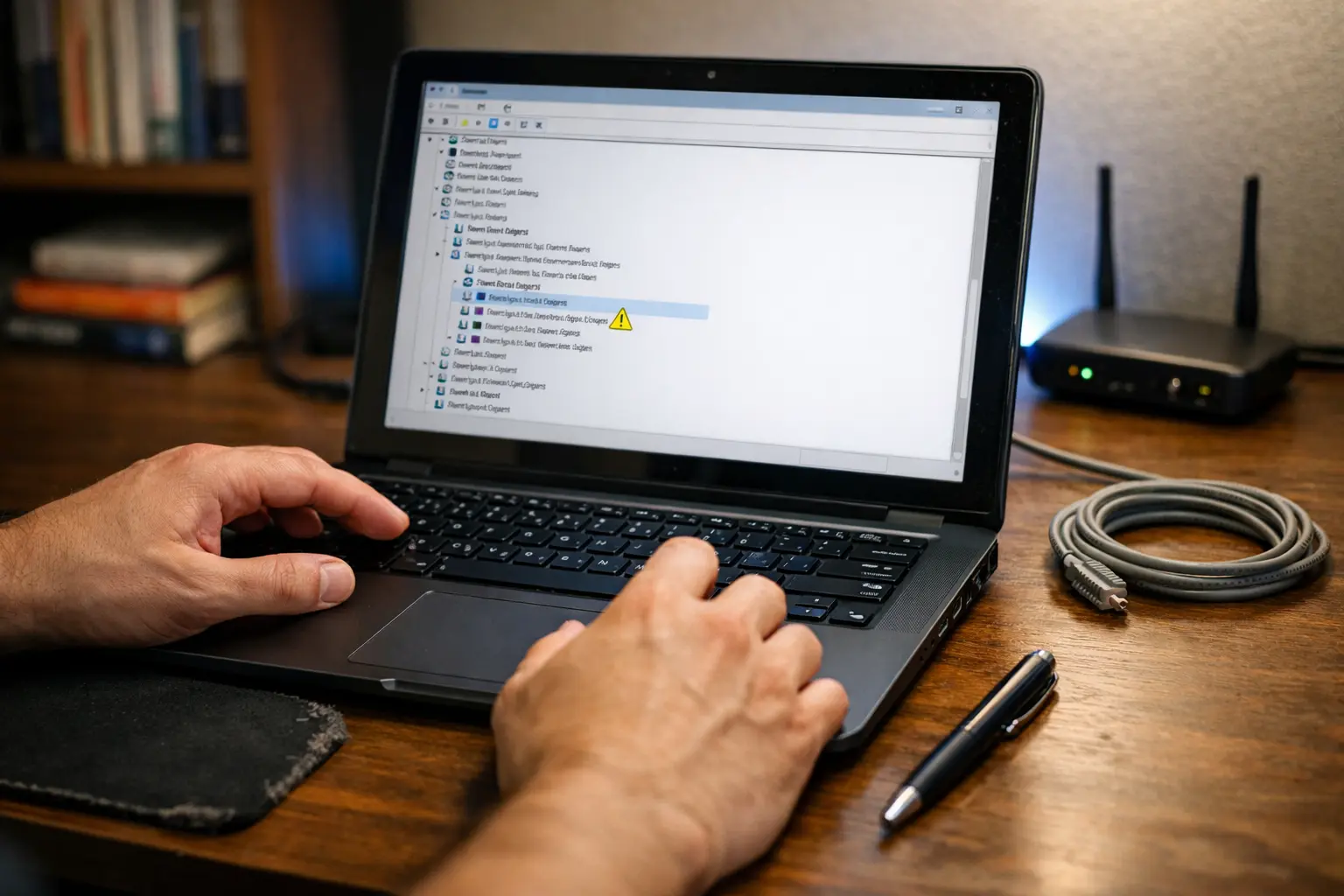
A technician clicks through Device Manager on a dark-screened laptop revealing a yellow warning triangle on the WiFi adapter while diagnosing wifi that keeps disconnecting on Windows 11

When WiFi keeps disconnecting on Windows 11, the instinct is to restart the router, toggle airplane mode, or run the built-in troubleshooter. Sometimes that works for an hour. Then the connection drops again — mid-call, mid-download, mid-everything. The cycle repeats because none of those steps address what is actually causing the disconnect. The problem is … Read more

Ping Reply From Different IP Address Meaning & Fix – Windows 11/10 (2026)

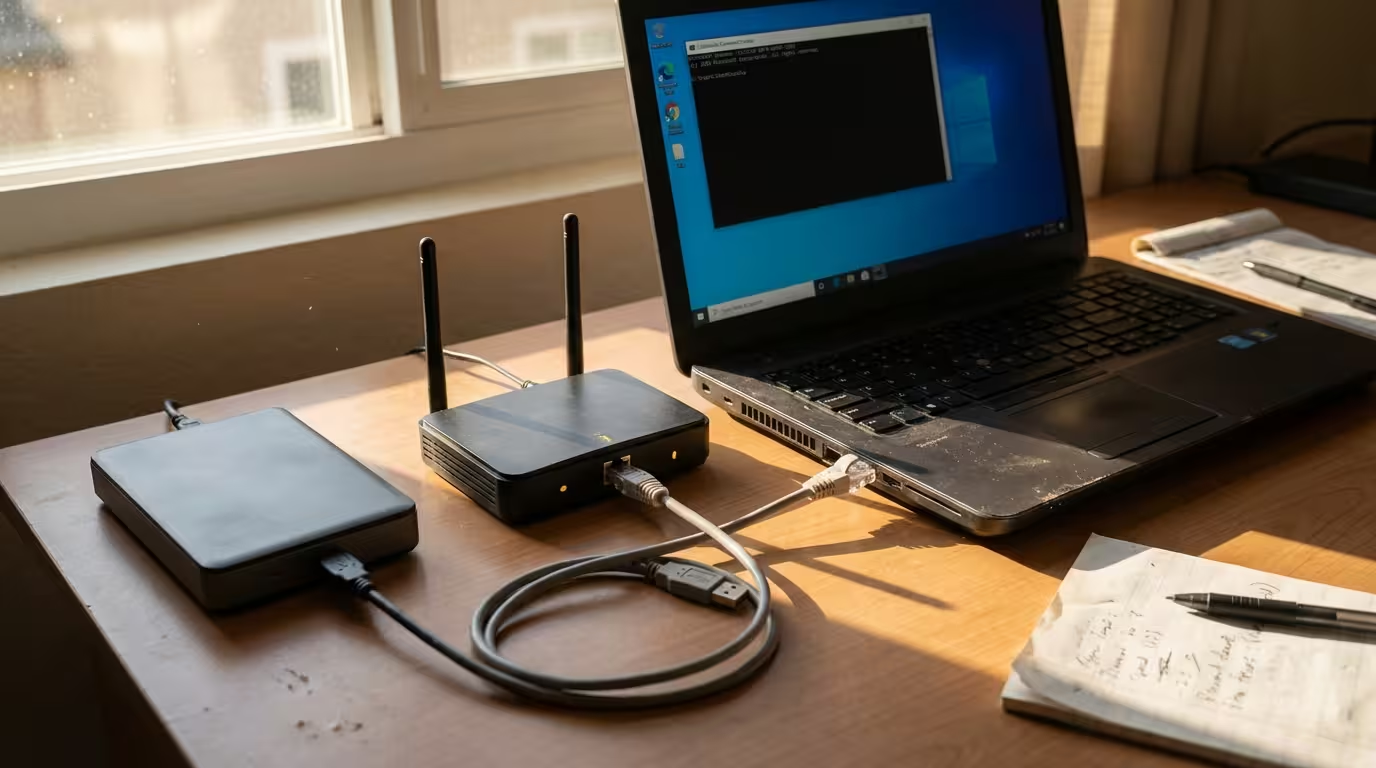
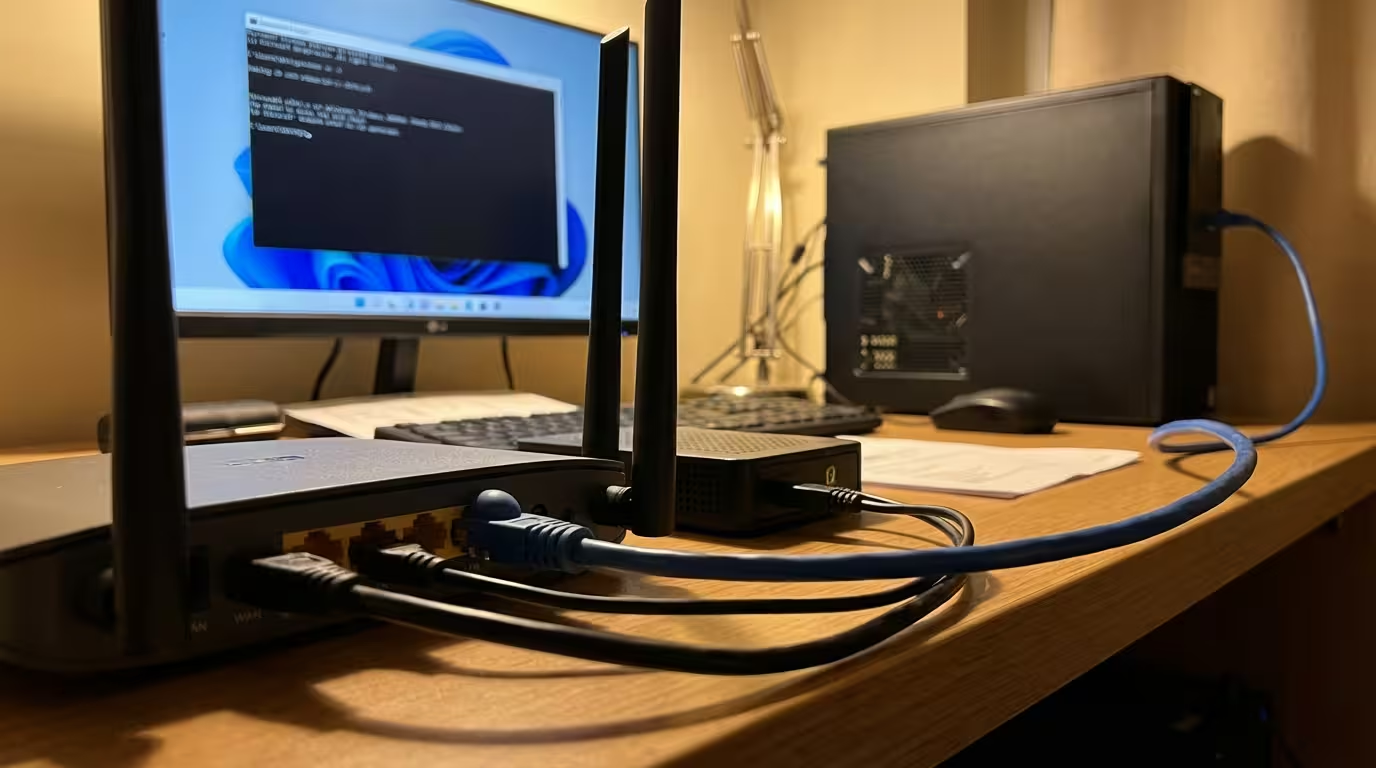
Laptop connected to home router via Ethernet cable with Command Prompt window open for network ping diagnostics

You run a simple ping command, expecting a reply from the exact IP address you targeted — but the response comes back from a completely different IP. It’s confusing, and if you’ve never encountered it before, it can look like your network is broken or compromised. The good news: in most cases, there’s a logical, … Read more

What Is Ping and How Does It Work? Simple Networking Explanation

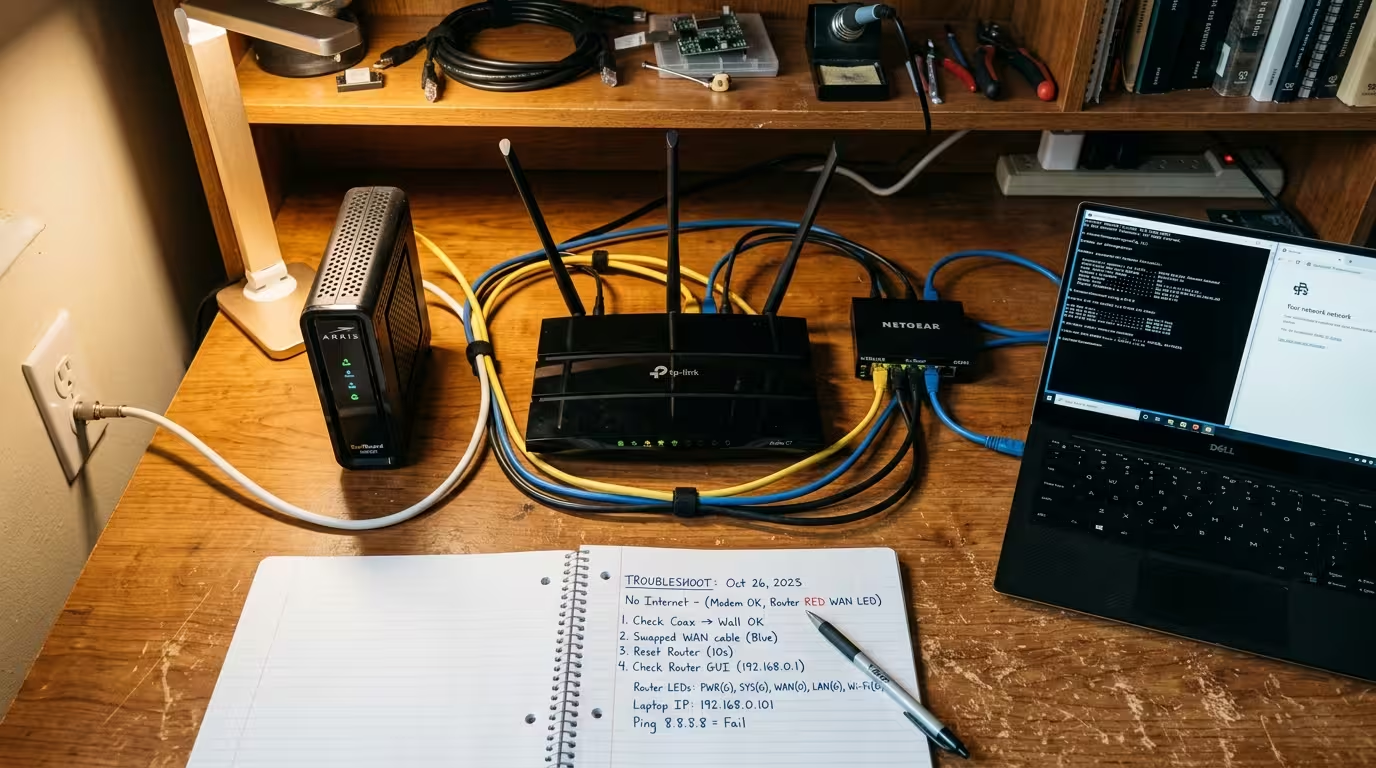
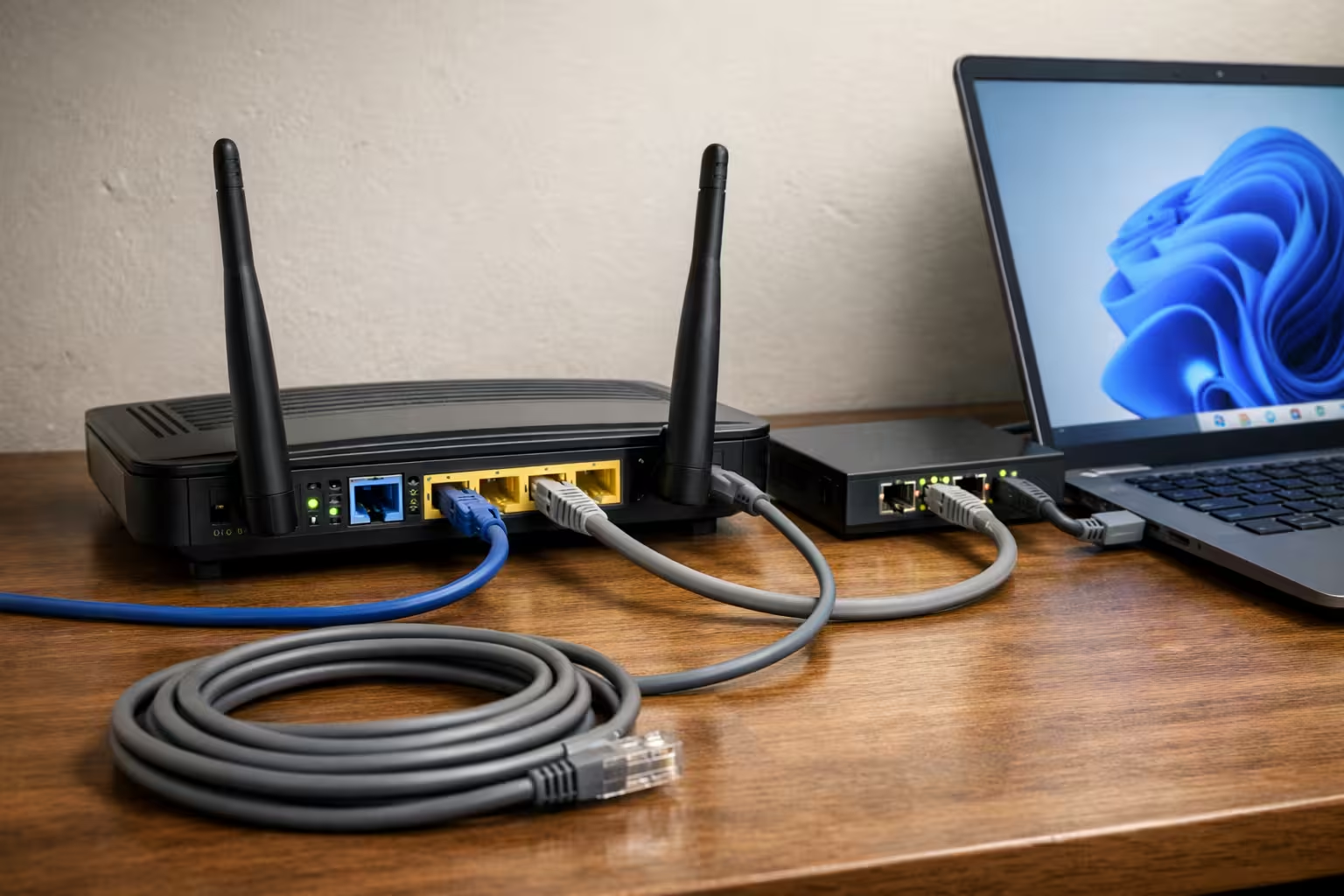
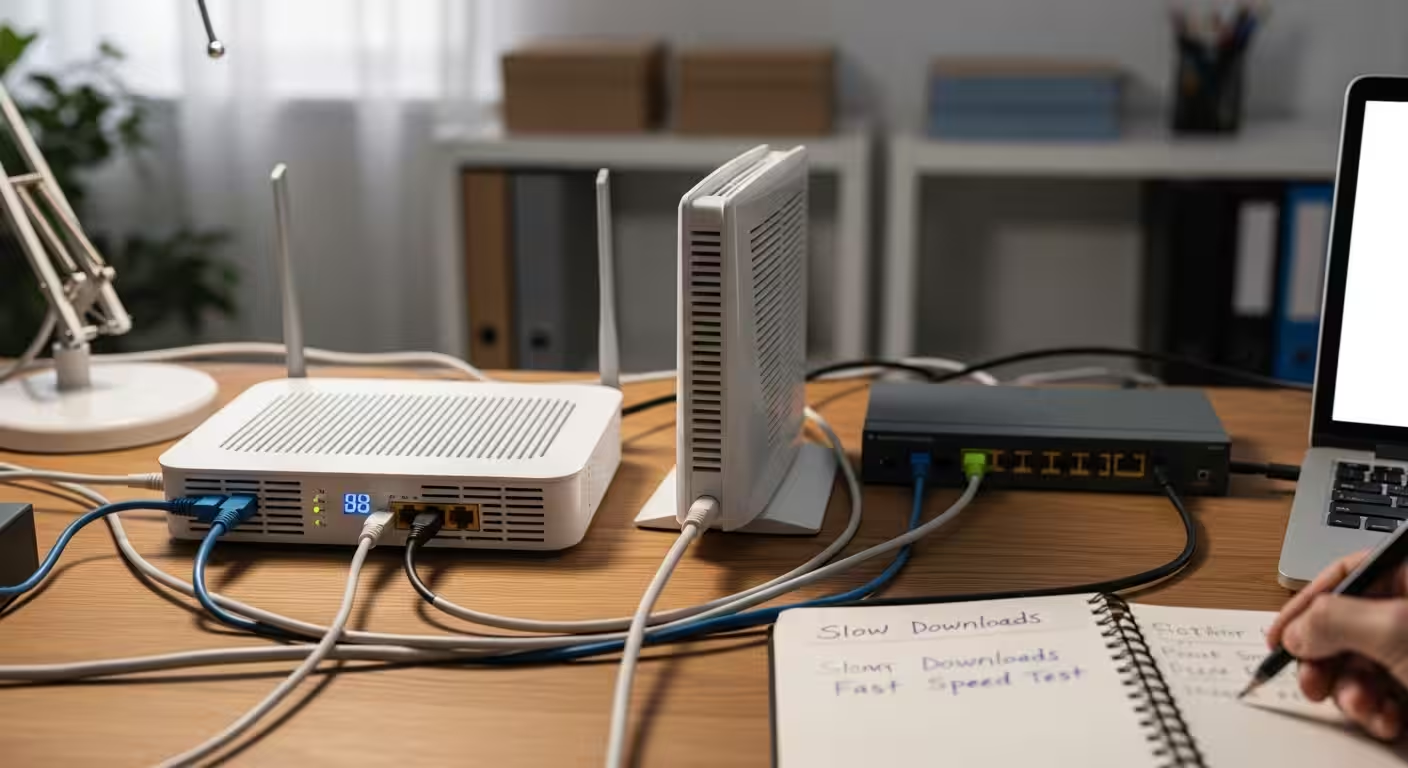
Home desk setup showing a router, modem, and laptop connected with Ethernet cables while troubleshooting a network connection.

What Is Ping in Networking? Ping is a command-line utility built into virtually every operating system — Windows, macOS, Linux, and even most mobile platforms. Its purpose is straightforward: it tests whether a specific device or server on a network is reachable and measures how long it takes data to travel there and back. When … Read more

What Is Jitter in Networking? Causes, Testing Methods and How to Fix High Jitter

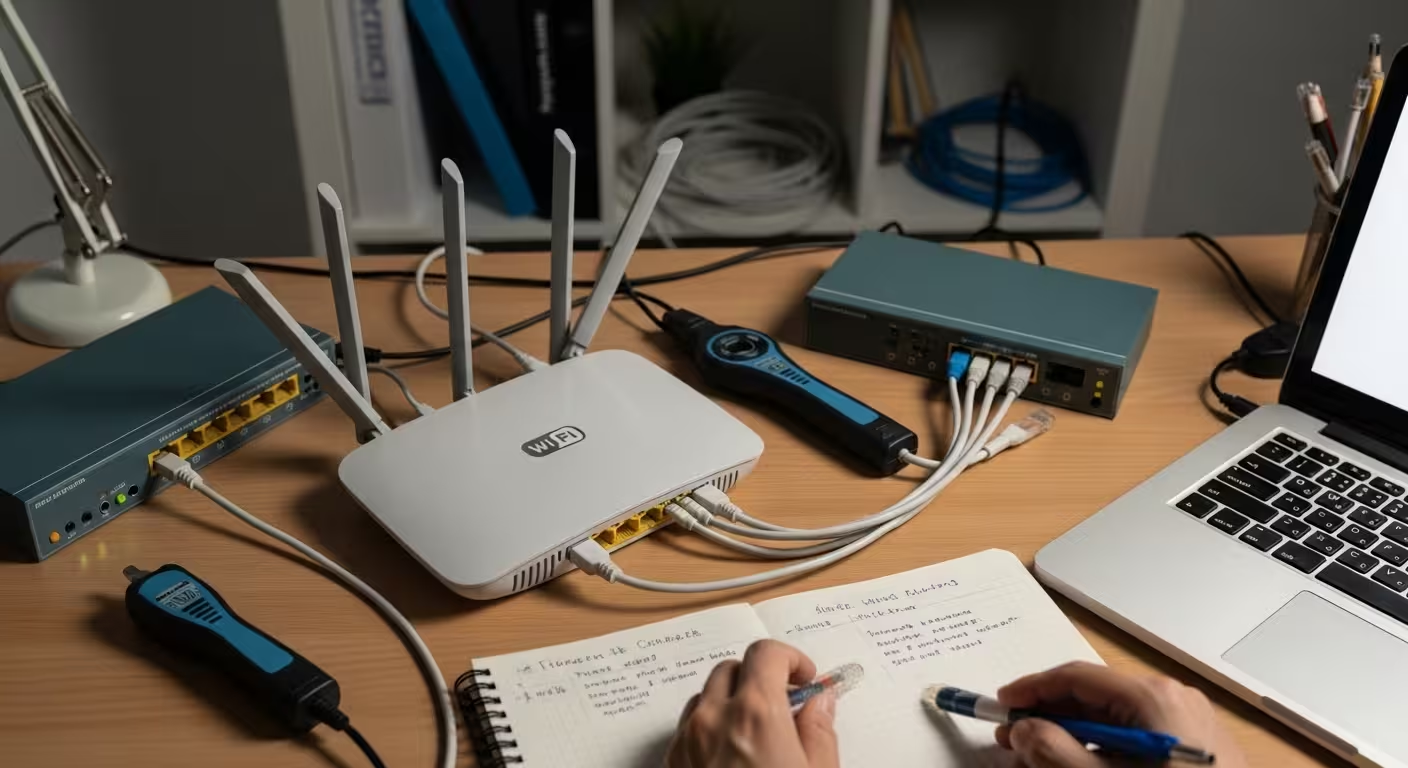
Home network troubleshooting setup with a Wi-Fi router, laptop, Ethernet cables, and network testing tools on a desk.

What Is Jitter in Networking? Jitter in networking refers to the variation in the delay of data packets as they travel across a network. This irregularity might not matter much for activities like web browsing or file downloads, where data can be reassembled regardless of arrival order. But for real-time communication — video calls, voice … Read more

Ping Returns IPv6 Instead of IPv4 in Windows 11 – How to Fix

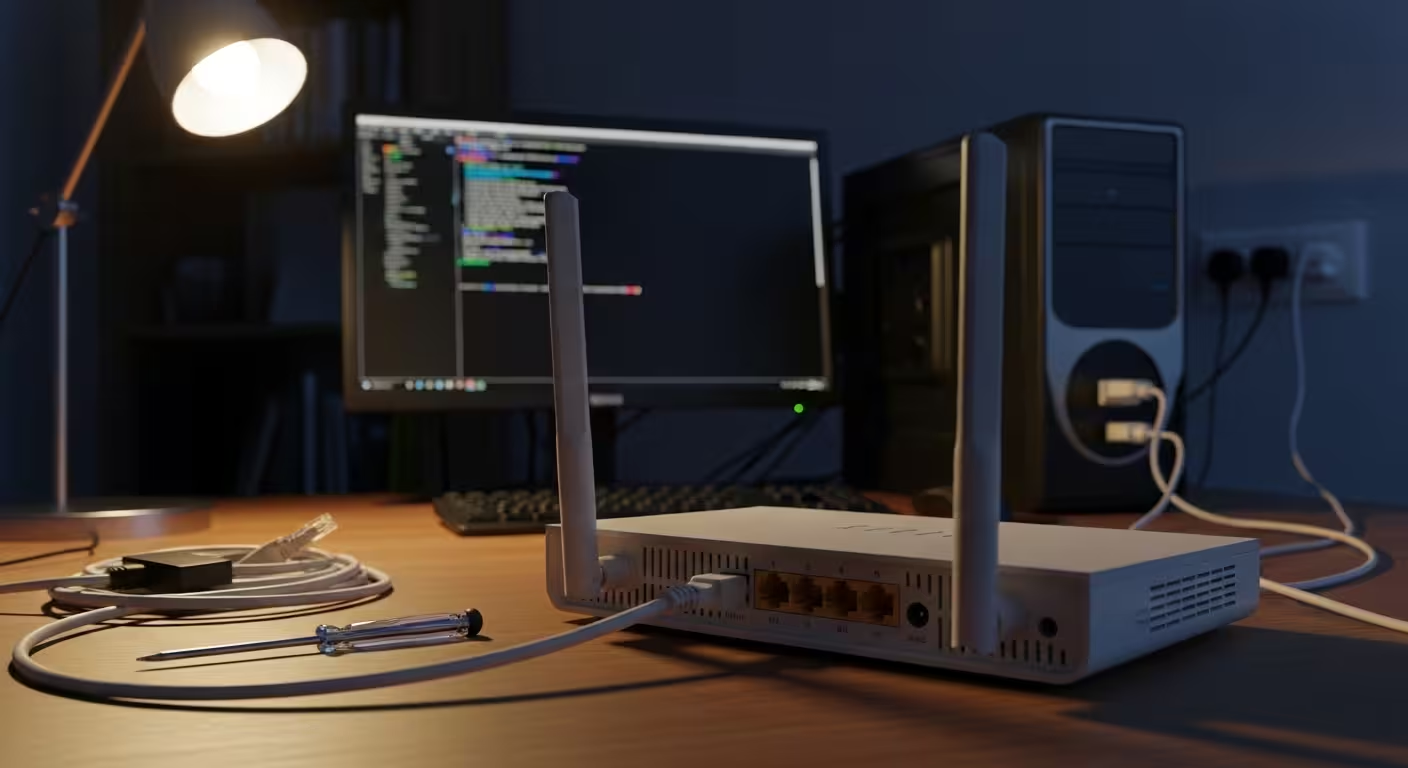
Nighttime home office workstation with a command prompt on screen and a small router visible behind the monitor under warm desk lamp lighting.

What Does It Mean When Ping Returns IPv6 Instead of IPv4? When you open Command Prompt in Windows 11 and ping a hostname — say, ping google.com — you might expect to see a familiar dotted-decimal IPv4 address like 142.250.190.46. Instead, the response comes back with a long alphanumeric string such as 2607:f8b0:4004:800::200e. That is … Read more

What Does Netsh Int IP Reset Actually Do

Home office workstation with router, Ethernet cables, and a command prompt screen used for network troubleshooting.

Overview of the netsh int ip reset Networking Command When your Windows PC suddenly refuses to connect to the internet, returns unusual ping errors, or behaves unpredictably after a system change, one of the most commonly recommended fixes is a single command: netsh int ip reset. But what does netsh int ip reset actually do … Read more

Ping with Timestamp Command Explained – Windows Guide

Home networking workstation with router and terminal window running a ping with timestamp command diagnostic.

What Is Ping with Timestamp? The timestamp option is an advanced feature of the ping command that provides additional timing information for network diagnostics. The standard ping command in Windows sends ICMP echo requests to a target host and reports whether each packet was received, along with the network latency. It is one of the … Read more

Ping Shows TTL 117 What Does It Mean

Realistic home network diagnostics setup with router and Ethernet cables while testing ping TTL values.

What Does TTL Mean in Ping Results? Every time you run a ping command, the reply includes three key values: bytes, time, and TTL. Most people focus on the time value to gauge speed, but the TTL number carries equally important diagnostic information. TTL stands for Time to Live, and despite its name, it has … Read more

Why Ping Works on IP But Not Hostname – DNS Fix Guide

Home network troubleshooting scene with router and computer while diagnosing why ping works on IP but not hostname.

What Does It Mean When Ping Works on IP But Not Hostname? When you open a command prompt and type ping 8.8.8.8, you get a successful reply. But the moment you try ping google.com, it fails with an error like “Ping request could not find host” or “Name or service not known.” This is one … Read more

Why Ping Shows TTL 128 in Windows 11 (What It Really Means)

Network administrator typing at a workstation with terminal window showing ping output while server rack LEDs blink in the background during TTL diagnostic session

You open Command Prompt, type a quick ping to Google’s DNS, and there it is — every reply line ends with TTL=128. If you have ever wondered why ping shows TTL 128 in Windows 11, you are not alone. That number is not random, not an error, and not something your ISP assigns. It is … Read more

Cannot Ping Default Gateway But Internet Works – Windows 11/10 Fix Guide (2026)

Home office setup with router and Windows desktop showing a blurred command prompt during a default gateway ping troubleshooting scenario.

What Does “Cannot Ping Default Gateway” Actually Mean? When you open Command Prompt and type ping followed by your router’s IP address — typically something like 192.168.1.1 — you expect a reply. That reply confirms your computer can communicate with the router sitting between your local network and the internet. When the ping fails, it … Read more

Destination Host Unreachable Ping Fix – Windows 11/10 Causes & Solutions (2026)

Realistic home office network setup with router, Ethernet cables, and a Windows laptop used for ping diagnostics.

You open Command Prompt, type ping 192.168.1.1, and instead of reply bytes, Windows throws back: “Destination Host Unreachable.” The frustrating part? Your browser may still load websites, or other devices on the same network work perfectly fine. This specific ping error is one of the most misunderstood network messages on Windows 11 and Windows 10 … Read more

Ping Transmit Failed – General Failure in Windows 11/10: Causes & 9 Working Fixes (2026)

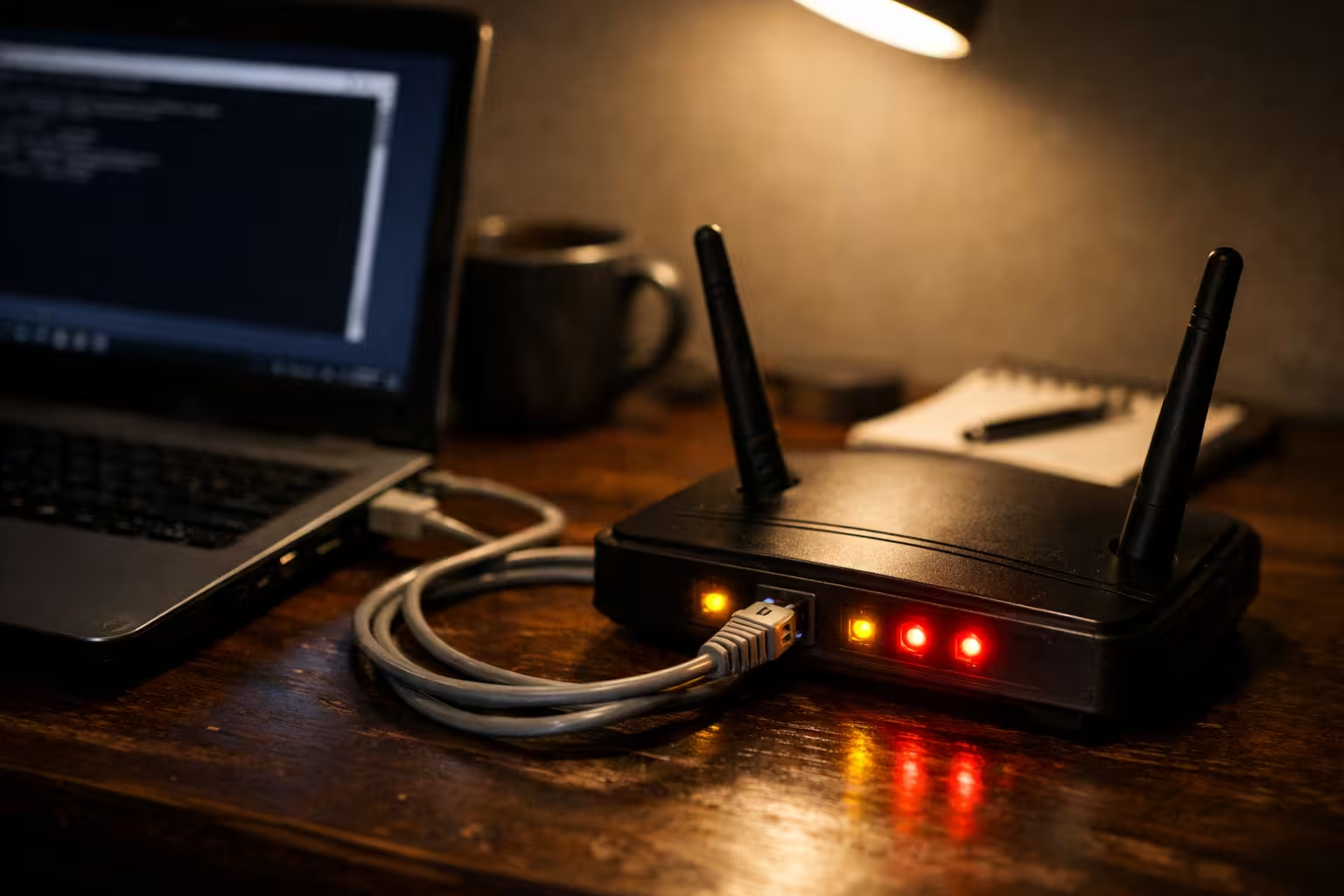
A dimly lit home office desk showing a Windows 11 laptop with a disconnected Ethernet cable and a consumer router with amber LED indicators, illustrating a ping transmit failed general failure scenario

You open Command Prompt, type ping 8.8.8.8, and instead of the expected reply, Windows throws back a frustrating response: “Ping: transmit failed. General failure.” No packet loss stats, no timeout — just a dead end. This error is one of the most misleading network issues on Windows 11 and Windows 10 because your internet browser … Read more

Ping Request Timed Out But Internet Is Working – Windows 11/10 Fix Guide

Home office desk at night with a laptop showing Command Prompt and a router displaying amber and red warning LEDs, connected by an Ethernet cable, representing a ping request timed out diagnostic scenario

You open Command Prompt, type ping 8.8.8.8, and every line returns “Request timed out.” Yet your browser loads pages without a hitch, YouTube streams fine, and downloads run at full speed. This contradiction — ping request timed out but internet working — is one of the most confusing network issues Windows 10 and 11 users … Read more

WiFi Authentication Error Fix: Authentication Failed / Problem on Android, Windows, iPhone (2026 Guide)

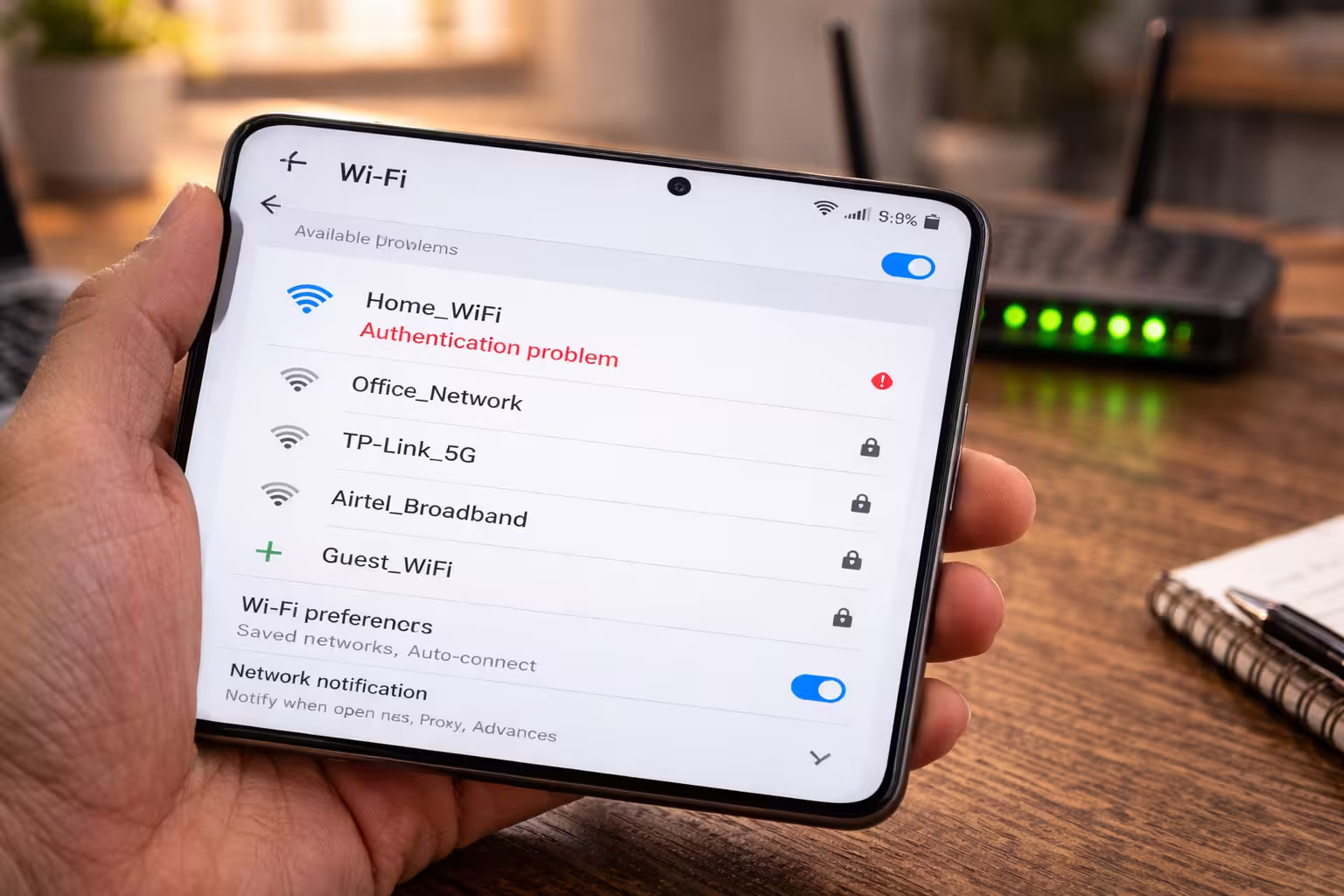
Android smartphone showing WiFi authentication problem error in settings with router visible in background

If you see a Wi-Fi authentication error, the problem is usually in the security handshake phase and not a wrong password or missing signal. This error occurs on the three platforms Android, Windows, and iPhone—and most users think the password is wrong, but the real problem lies in the negotiation of the security protocol between … Read more

Your Connection Is Not Private Error – SSL Certificate, Date, Browser & Network Layer Diagnostic Guide

Network operations center with server racks and structured cabling representing backend infrastructure diagnostics.

If your connection is not private, the problem is usually related to a failed SSL certificate check rather than a complete Internet outage. This error is displayed when the encrypted chain of trust between the browser and the website’s server is broken for some reason. The internet is working, the ping is successful, other websites … Read more

DNS Not Responding on Windows 11 — How to TellIf It Is Your Device, Browser, Router or ISP

Technician running ping command to diagnose DNS server not responding issue on Windows 11

Your WiFi icon shows full bars. Your speed test might even run fine. But every website you try to open throws back “DNS server not responding” — and you have no idea why. This error does not mean your internet is down. It means your device is connected to the network but cannot translate domain … Read more

Ethernet Connected But No Internet? Default Gateway, Unidentified Network & 169.254 IP Fix Guide

Ethernet cable connected to a desktop computer while internet pages fail to load.

If your Ethernet connection is shown as connected but you still don’t have internet access, it means that the system recognizes the cable but no internet traffic is happening. The taskbar shows “Connected,” the LAN light is blinking, but the browser won’t load any websites. The page stays blank or shows a “No Internet” error … Read more

Why Is My NAT Type Strict? How to Fix Double NAT, CGNAT and Port Forwarding on Windows 11

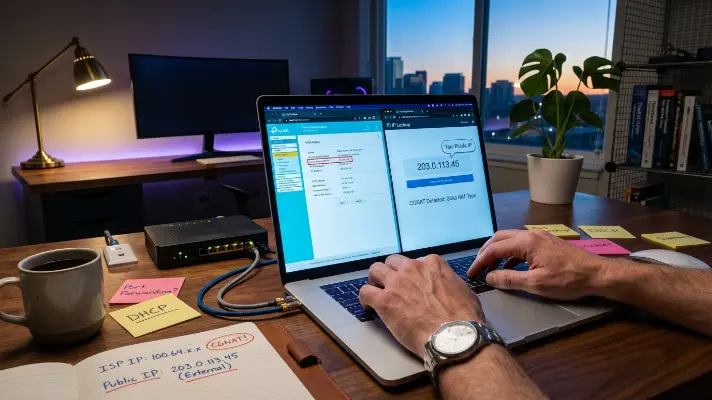
A technician compares router WAN IP displaying 100.64.x.x with mismatched public IP on vivid laptop screen during blue hour to diagnose why NAT type is strict and confirm CGNAT.

You have enabled UPnP, set up port forwarding rules exactly as the guide said, maybe even tried DMZ — and your NAT type is still Strict. The console still reports Type 3. The network test still fails. The problem is not your settings. In most cases, the real cause is a NAT layer you cannot … Read more

Why Internet Slows Down at Night? Real Network Congestion, High Ping & Peak Hour Explained

Person using a laptop at night experiencing slow internet during peak hours with WiFi router visible.

Why does the internet slow down at peak times at night? This question is often asked these days, especially when streaming, gaming, and surfing suddenly slow down in the evening. Users often think that their package is insufficient or their router is defective, but the real problem usually lies in bandwidth congestion, latency spikes, packet … Read more

Why Video Calls Lag or Freeze Even With Fast Internet (Network Troubleshooting Guide)

Home desk with Wi-Fi router and laptop during a video call experiencing lag despite fast internet.

Why Speed Test Fast But Video Calls Lag or Freeze You run a speed test, see 100 Mbps or more, and assume your connection is solid. Then you hop on a Zoom call and within minutes the video freezes, audio cuts out, and colleagues start asking if you’re still there. This disconnect between speed test … Read more

Router Not Working? Causes & Easy Fixes (No Internet, No Lights, After Reset)

Person troubleshooting slow website loading on a laptop with a WiFi router visible in the background.

Router not working? No need to panic — this is a very common problem that users around the world face, whether they’re using any internet provider or router brand. If your router has suddenly stopped working, the power lights aren’t on, and the internet isn’t restoring after a reset, or it shows as connected but … Read more

How to Diagnose Slow Download Speeds When Speed Test Is Fast (Tools & Fixes Guide)

Home network troubleshooting desk with router, modem, Ethernet cables and laptop testing download speeds.

Why Speed Test Is Fast But Actual Downloads Are Slow You run a speed test and see 200 Mbps or more. Then you download a game update, a large file from a cloud drive, or a software installer — and it crawls at a fraction of that speed. The numbers do not match, and it … Read more

Why Wi-Fi Feels Slow Even When Speed Test Is Fast (Latency, Packet Loss & Network Delays)

Home Wi-Fi router connected with Ethernet cables on a desk while a laptop loads slowly in the background despite fast internet speed.

Why Speed Test Numbers Don’t Tell the Full Story You run a speed test, see 100 Mbps or more, and assume everything should feel instant. But then you open a website and it drags. Video calls stutter. Pages half-load before snapping into place seconds later. This disconnect — where Wi-Fi feels slow but speed test … Read more

How to Diagnose Slow Websites Even With Fast Internet (Step-by-Step Network Checks)

Home router and laptop connected with Ethernet cables while a webpage loads slowly despite a fast internet connection.

You just ran a speed test and it says 200 Mbps. Everything looks fine on paper. But when you open a website, it crawls. Pages take five, sometimes ten seconds to fully load. Videos buffer. Forms time out. Something clearly does not add up. This is one of the most common and frustrating internet problems. … Read more

What Is Latency and Why Does the Internet Respond Slowly? — Complete Home Network Guide

Hands typing ping command on laptop keyboard with Command Prompt displaying latency results in dark home workspace

Your speed test says 100 Mbps or more. The bar fills up, the number looks impressive — and yet websites hesitate before loading, video calls stutter mid-sentence, and online games feel like you are playing a full second behind everyone else. The frustrating truth is that your connection speed was never the problem. The real … Read more

What is Packet Loss and why does it happen on the Internet?

Packet Loss meaning and internet infrastructure visual representation on Laxlayer.

What is Packet Loss? This question often comes to mind when we’re playing an online game and it suddenly stops, or the sound starts to cut out during a video call. In the world of the Internet, this is a common but annoying issue that significantly impacts our connectivity. When we use the Internet, our … Read more