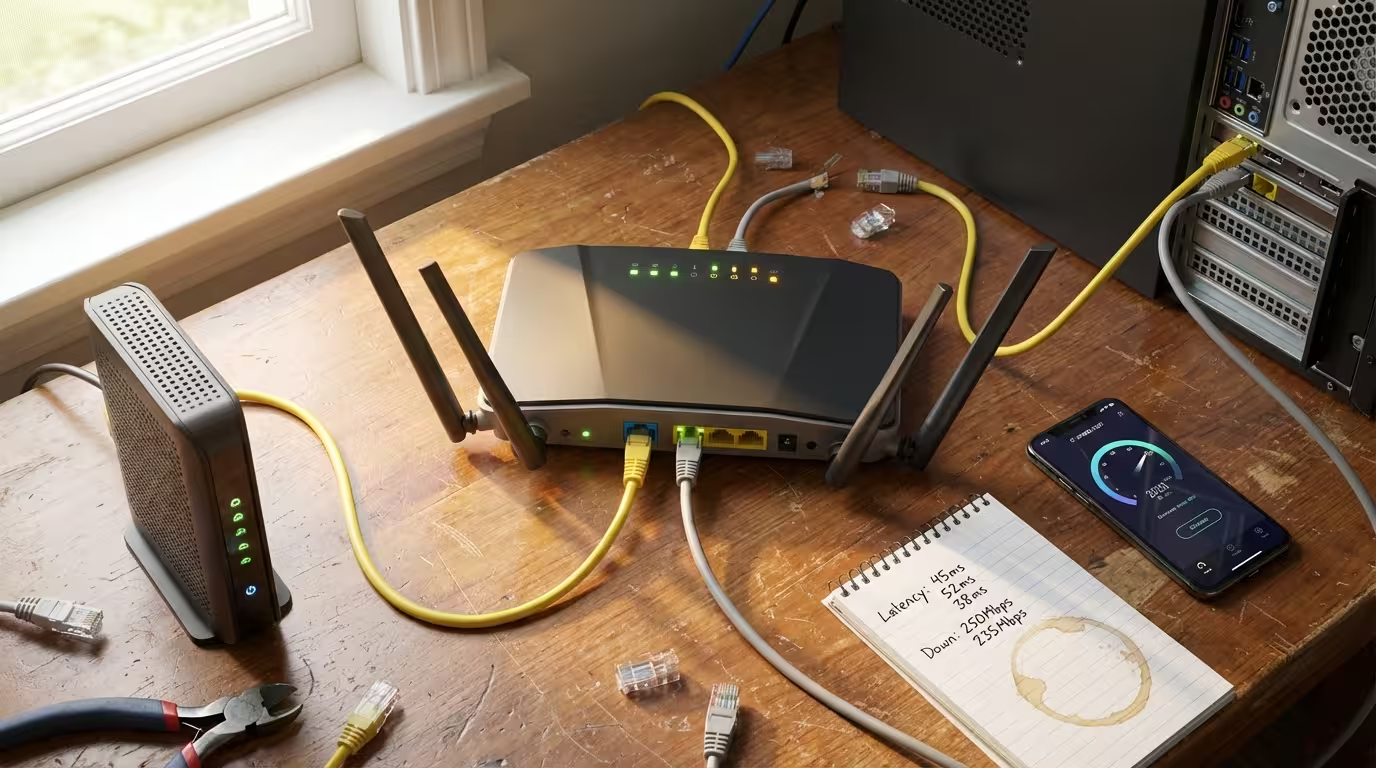
What is Bufferbloat and Why Your Internet Feels Slow During Downloads
You pay for a 300 Mbps connection. Speed tests confirm it. Yet the moment someone in your household starts a large download, your video call stutters, your game lags, and web pages crawl. The speed is clearly there — so why does everything feel broken? The answer, in most cases, is bufferbloat. Understanding what is bufferbloat, why it happens inside your router, and how it quietly destroys your real-time internet experience is the first step toward actually fixing it.
I have faced severe bufferbloat many times on my own home network. Speed test would show full bandwidth, yet during downloads my video calls would freeze and online games would become unplayable. After running latency-under-load tests for several weeks, I finally identified the root cause and fixed it permanently.
In this guide, I’m sharing the exact tests and fixes that worked for me.

What is Bufferbloat in Simple Terms
Bufferbloat is a condition where excessive buffering inside network equipment — most commonly your router — introduces high latency and unpredictable delay into your internet connection. It does not reduce your bandwidth. Your download speed may remain exactly as advertised. Instead, it inflates the time it takes for individual packets to travel between your device and the server, sometimes by hundreds of milliseconds.
One thing most guides miss in 2026 is that Windows 11 background services and automatic updates often run silently during peak hours, saturating the connection and triggering bufferbloat even when you are not actively downloading anything.
Think of it this way. Your internet connection is a single-lane road, and packets are cars. When the road is clear, every car moves through quickly. Bufferbloat is what happens when someone parks thousands of cars in a massive parking lot right before the road’s entrance, forcing every new car to wait in that lot before it even gets a chance to drive. The road itself is fine. The bottleneck is the wait before the road.
In technical terms, bufferbloat causes latency under load — often called “working latency.” Your idle ping might be 10 ms, but the moment a file transfer saturates your connection, that ping can spike to 500 ms, 1000 ms, or more. This is not congestion in the traditional sense. It is your own router holding packets in oversized memory buffers far longer than necessary, creating a hidden queue that delays everything.
Why Does Bufferbloat Happen in a Router
Bufferbloat is not caused by your ISP’s network or a slow server. It originates right inside the device sitting on your desk or shelf — your router. The root cause lies in how routers manage their internal packet buffers and, critically, how most consumer routers manage them poorly.
How Router Buffers Work Normally
Every router contains memory buffers — small queues where incoming packets are temporarily stored before being forwarded out through the appropriate interface. Buffers exist for a practical reason: they absorb short bursts of traffic that momentarily exceed the outgoing link’s capacity. Without any buffer at all, packets arriving during a micro-burst would be immediately dropped, triggering retransmissions and reducing throughput.
In a well-tuned system, the buffer is just large enough to absorb these brief spikes — typically holding only a few milliseconds’ worth of data. Packets enter, wait briefly, and exit. Latency stays low, and throughput remains high. This is normal, healthy buffering.
What Goes Wrong When Buffers Get Too Large
The problem begins when router manufacturers install buffers that are far larger than necessary. Memory is cheap, and from a manufacturer’s perspective, bigger buffers mean fewer dropped packets during speed tests — which translates to better-looking performance numbers on the box. So buffers get oversized, sometimes capable of holding several seconds’ worth of data.
When your connection becomes saturated — during a large download, a cloud backup, or a system update — these oversized buffers fill completely. Every new packet that arrives, including your VoIP audio, your game’s position update, or your DNS lookup, gets placed at the back of a very long queue. It does not get dropped. It simply waits. And waits. The result is latency that balloons from single-digit milliseconds into triple or even quadruple digits. Your router is technically doing its job — it is not losing packets. But it is holding them hostage.
How Bufferbloat Affects Your Internet Experience
The most frustrating aspect of bufferbloat is that it only shows up when you are actively using your connection. Idle tests look perfectly normal. The moment real traffic starts flowing — a download, an upload, a backup — latency climbs and every interactive application on the network suffers simultaneously. Here is how that plays out in practice.
From my own repeated testing, I noticed that simply enabling SQM with CAKE on the router reduced jitter and latency spikes by more than 80% during heavy downloads.
Ping Spikes During Download or Upload
The most direct and measurable symptom is a sudden spike in ping times whenever your connection approaches saturation. If you run a continuous ping to any external server — say, your ISP’s gateway or a public DNS server — you will see stable results around 5–15 ms when the line is idle. Start a large download or upload, and those pings jump to 200 ms, 500 ms, or higher. This is not the server slowing down. It is your router’s bloated buffer queuing your ping packet behind thousands of data packets, forcing it to wait its turn. The ping spikes during download pattern is one of the clearest indicators that bufferbloat is present on your network.
Video Calls Freeze While Someone Downloads a File
Video conferencing applications like Zoom, Teams, or Google Meet rely on a steady stream of small packets delivered with low and consistent latency. When bufferbloat inflates the queue, these audio and video packets get delayed unevenly. Some arrive on time, others arrive 300 ms late, and a few arrive in bursts after being held in the buffer. The result is frozen frames, robotic audio, and dropped call quality — even though your bandwidth is technically more than sufficient. The call application is not running out of speed. It is running out of consistent timing.
Gaming Lag Increases When Background Traffic is Running
Online games send small, frequent packets — often just a few hundred bytes — to synchronize your actions with the game server. These packets need to arrive within tight time windows, typically under 50 ms. Bufferbloat during download or upload activity pushes these tiny game packets to the back of a long queue filled with bulk data. The effect is rubber-banding, delayed hit registration, and input lag that makes the game feel unresponsive. Many players blame their ISP or the game server when the real cause is sitting in their own router’s memory.
Web Pages Load Slowly Even With Fast Internet
Modern web pages require dozens of small requests — DNS lookups, TLS handshakes, API calls, image fetches — each of which depends on low round-trip time. When bufferbloat adds hundreds of milliseconds to every round trip, each of these small transactions takes significantly longer. A page that normally loads in under a second might take four or five seconds, not because bandwidth is lacking but because every individual request is delayed by the queue. This is why fast internet can still feel slow when the connection is under load.
Bufferbloat vs Packet Loss vs High Latency — What is the Difference
These three terms describe different problems, though bufferbloat can sometimes trigger the other two.
Packet loss means packets never arrive at their destination. They are dropped, either by a congested router, a failing link, or an overloaded interface. The data must be retransmitted, which costs time and reduces effective throughput.
High latency means packets arrive but take a long time. This can be caused by physical distance, slow routing paths, or — as discussed — bloated buffers.
Bufferbloat is specifically high latency caused by excessive buffering under load. It is not a permanent condition. It only appears when traffic saturates the link and the oversized buffer begins queuing packets beyond a reasonable holding time. The key distinction is that bufferbloat-induced latency disappears as soon as the load drops. Packet loss from a bad cable or misconfigured interface does not. Latency from geographic distance does not. Bufferbloat is conditional, load-dependent, and — most importantly — fixable at the router level. This difference matters because the diagnostic approach and the solution are entirely different for each problem.
How to Test if You Have Bufferbloat
Diagnosing bufferbloat does not require specialized equipment or deep networking knowledge. Two straightforward methods can confirm whether your router is holding packets too long under load.
The Simple Two-Ping Test Method
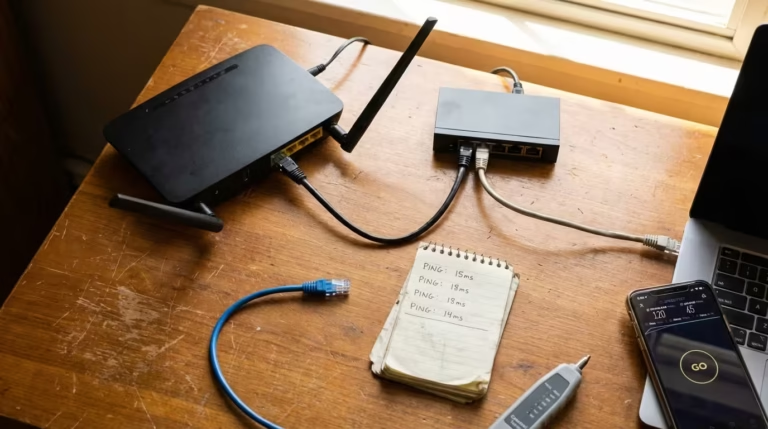
This is the most basic and effective way to detect bufferbloat manually. Open a terminal or command prompt on any device connected to your network. Start a continuous ping to an external IP address. On Windows, use ping -t 8.8.8.8 — the -t flag keeps the ping running indefinitely. On macOS or Linux, use ping 8.8.8.8, which runs continuously by default.
With the ping running, observe the response times while your connection is idle. Note the baseline — this is usually somewhere between 5 and 20 ms on a typical broadband connection. Now, without stopping the ping, start a large file download or run a speed test from another device or browser tab. Watch what happens to the ping times.
If latency stays roughly the same — rising maybe 10–20 ms — your network handles load well. If latency jumps to 100 ms, 300 ms, or beyond, you have bufferbloat. The size of the jump directly reflects how much excess queuing your router is introducing. A spike from 10 ms to 400 ms means the buffer is adding nearly 390 ms of unnecessary delay to every packet.
Online Bufferbloat Test Tools
Several web-based tools automate this exact process. The Waveform Bufferbloat Test runs a speed test while simultaneously measuring latency, then assigns a letter grade from A+ to F. An A or B grade means your latency stays controlled under load. A C grade indicates moderate bufferbloat. D or F means severe bufferbloat that will noticeably degrade real-time applications.
The Flent network testing tool offers more granular analysis for advanced users, generating detailed latency-under-load graphs over time. For most home users, however, the Waveform test provides a clear enough answer within 30 seconds. Run the test over a wired connection for the most accurate results — Wi-Fi introduces its own latency variability that can obscure the measurement.
What Causes High Bufferbloat Scores
A poor bufferbloat grade is not random. It traces back to specific, identifiable conditions in your network — almost always inside the router itself.
Oversized Buffers in Consumer Routers
As covered earlier, manufacturers equip routers with large memory buffers to prevent packet drops during peak traffic. The unintended consequence is that these buffers can hold hundreds of milliseconds — sometimes full seconds — of data. When the outgoing link is saturated, this stored data creates a deep queue that every new packet must wait behind. The buffer does its job of preventing loss, but at the cost of latency that cripples interactive traffic.
No Queue Management Configured
Most consumer routers ship with no active queue management algorithm. Packets are processed in strict first-in, first-out order with no intelligence about priority or queue depth. There is no mechanism to detect that the buffer is growing too deep and no strategy to selectively drop or delay bulk traffic to protect latency-sensitive flows. Without queue management, the router treats a VoIP audio packet and a bulk file transfer chunk identically — both wait their turn in the same long line.
Upload Saturation Blocking Download ACK Packets
This is one of the least understood causes of bufferbloat and one of the most common. TCP downloads depend on small acknowledgment packets — ACKs — sent from your device back to the server. These ACKs travel over your upload channel. When your upload link is saturated, perhaps by a cloud backup, a video call’s outbound stream, or even just multiple devices syncing simultaneously, those ACKs get stuck in the upload buffer. The remote server does not receive timely acknowledgments, so it slows down or pauses the data it sends to you. The result is that upload saturation directly degrades download performance — not because download bandwidth is exhausted, but because the feedback loop is broken by bufferbloat on the upload side.

How to Fix Bufferbloat
The good news is that bufferbloat is entirely fixable without upgrading your internet plan or replacing your hardware — though in some cases, different hardware makes the fix easier to implement. The solution centers on controlling how your router manages its packet queues.
Enable SQM or QoS on Your Router
Smart Queue Management, commonly abbreviated as SQM, is the most effective solution for bufferbloat. SQM actively monitors the depth of your router’s packet queue and uses intelligent algorithms to keep latency low even when the connection is fully loaded. It does this by managing how packets enter the queue, selectively dropping or delaying bulk data packets before the buffer grows too deep, and ensuring latency-sensitive traffic passes through quickly.
Some routers label this feature as QoS — Quality of Service. However, traditional QoS and SQM are not the same thing. Older QoS implementations simply prioritize certain types of traffic over others using static rules. SQM goes further by dynamically managing total queue depth regardless of traffic type. If your router runs OpenWrt firmware, SQM is available as a dedicated package called luci-app-sqm that can be installed and configured through the web interface. Many third-party firmware options like FreshTomato also support SQM or similar queue management. Some commercial routers — notably certain models from IQrouter, Ubiquiti, and Synology — include SQM or CAKE-based queue management in their stock firmware.
If your current router does not support SQM in any form, flashing OpenWrt onto a compatible device is the most reliable path. The OpenWrt project maintains a hardware compatibility list on its official site that identifies supported models.
Set Upload and Download Limits Below Your Maximum Speed
SQM requires you to define your connection’s upload and download speeds so it knows when the link is approaching saturation. The critical detail here is that you must set these values slightly below your actual measured speeds — typically 80 to 90 percent of your maximum. If your connection delivers 100 Mbps down and 10 Mbps up, configure SQM with limits around 85 Mbps down and 8.5 Mbps up.
This deliberate reduction ensures that the bottleneck — the point where queuing happens — stays inside your router where SQM controls it, rather than shifting to your ISP’s equipment where you have no control. Sacrificing 10 to 20 percent of raw throughput in exchange for stable, low latency under load is a trade-off that dramatically improves the actual usability of your connection.
What is FQ-CoDel and CAKE Algorithm
FQ-CoDel and CAKE are the two queue management algorithms most commonly used with SQM. FQ-CoDel, which stands for Fair Queuing with Controlled Delay, was one of the first algorithms designed specifically to combat bufferbloat. It monitors how long each packet has been sitting in the queue and begins dropping packets from heavy flows once delay exceeds a target threshold — typically 5 ms. It also isolates individual flows so that one large download cannot monopolize the queue at the expense of other traffic.
CAKE — Common Applications Kept Enhanced — builds on FQ-CoDel with additional features. It includes built-in traffic shaping, per-host fairness so that one device cannot dominate the entire connection, and better handling of common link technologies like DSL and cable. For most home networks, CAKE with the piece of cake preset in OpenWrt’s SQM configuration provides excellent results with minimal manual tuning. Between the two, CAKE is generally the recommended choice for home use due to its more comprehensive feature set.
Does Bufferbloat Go Away With Faster Internet
No. Upgrading your internet speed does not eliminate bufferbloat — it only changes the threshold at which the problem appears. A 50 Mbps connection with bloated buffers will exhibit the same latency spikes as a 500 Mbps connection with bloated buffers once the link is saturated. The buffers are still oversized, the queue management is still absent, and the behavior under load remains identical.
Faster internet does mean your connection saturates less frequently in day-to-day use, which can mask the problem. But the moment enough simultaneous traffic fills the pipe — a system update, a cloud sync, a video stream, and a game running together — latency spikes return in full force. The only real fix is proper queue management at the router level. Speed upgrades address capacity. Bufferbloat is a latency management problem, and those are fundamentally different issues.

FAQ — Common Questions About Bufferbloat
What is bufferbloat and how does it affect internet speed?
Bufferbloat is excessive packet queuing inside your router’s memory buffer that causes high latency under load. It does not reduce your raw bandwidth, but it makes your connection feel slow by delaying every packet — including those from real-time applications like video calls, games, and web browsing — whenever the link is saturated.
Why does my ping spike when someone is downloading?
A large download fills your router’s buffer with bulk data packets. Your ping packet enters the same queue and must wait behind all that data before it can exit. The deeper the buffer, the longer the wait, and the higher your ping spikes.
Why does internet feel slow even with a high speed connection?
Speed measures how much data your connection can carry per second. Responsiveness depends on latency — how quickly each individual request completes. Bufferbloat inflates latency during active use, making web pages, searches, and interactive applications feel sluggish despite high throughput numbers.
How do I test for bufferbloat on my network?
The Waveform Bufferbloat Test is the quickest method. It runs a speed test while measuring latency and assigns a letter grade. Alternatively, the manual two-ping method described earlier in this article gives you a clear before-and-after comparison.
Does faster internet fix bufferbloat?
No. Faster internet increases capacity but does not address how your router manages its queues. Bufferbloat appears whenever the connection is saturated, regardless of whether that saturation happens at 50 Mbps or 500 Mbps.
What is SQM and does it fix bufferbloat?
SQM stands for Smart Queue Management. It actively controls the depth of your router’s packet buffer using algorithms like FQ-CoDel or CAKE. When properly configured, SQM effectively eliminates bufferbloat by keeping queue delay to a few milliseconds even under full load.
Can bufferbloat cause gaming lag?
Yes. Online games require consistent, low-latency packet delivery — typically under 50 ms. Bufferbloat during active downloads or uploads pushes game packets to the back of a deep queue, producing rubber-banding, delayed inputs, and unstable connections that many players mistake for server-side issues.
Does rebooting the router fix bufferbloat?
No. Rebooting clears the current buffer contents, but the oversized buffer and the lack of queue management remain. As soon as traffic saturates the link again, bufferbloat returns. The fix requires enabling SQM or replacing the router with one that supports active queue management.
Bufferbloat is one of the most common yet least recognized causes of poor internet performance in home and small office networks. The resolution path is clear: test your connection under load, confirm whether latency spikes during saturation, and enable SQM with CAKE or FQ-CoDel on a router that supports it. Set your speed limits to 80–90 percent of your measured line rate, and retest to verify improvement.
Before: Downloads made video calls freeze and gaming lag even though speed test showed full bandwidth.
After: After enabling SQM and setting proper speed limits, latency stayed low under load and real-time applications worked smoothly.
If your router does not support SQM and cannot run third-party firmware like OpenWrt, replacing it with a compatible device is the most effective long-term solution. If latency remains high even after configuring SQM properly, the issue may reside in your ISP’s infrastructure — at that point, contacting your provider with documented latency-under-load test results gives them actionable data to investigate further.
Bufferbloat is not a mystery and not an unsolvable problem. It is a well-understood engineering oversight with well-tested solutions. Once queue management is in place, the difference is immediate — stable latency, responsive browsing, and real-time applications that work as expected, even when your connection is fully loaded.